OS, UI and software
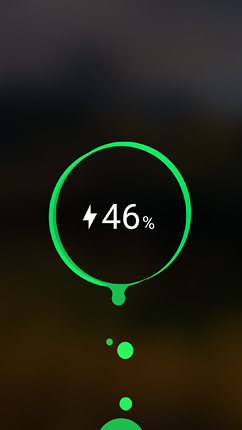
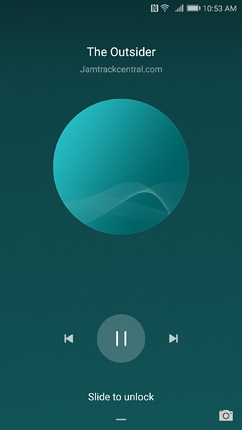
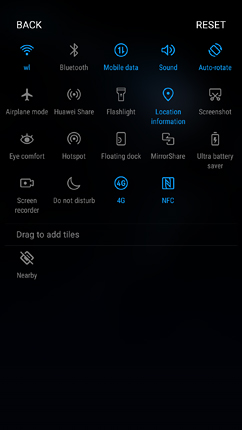
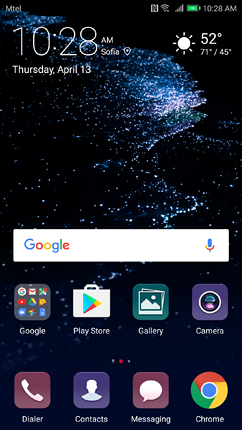
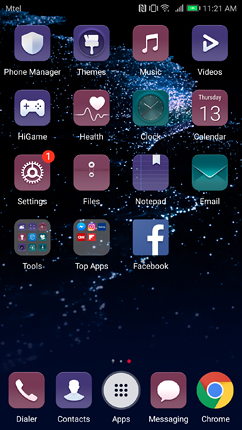
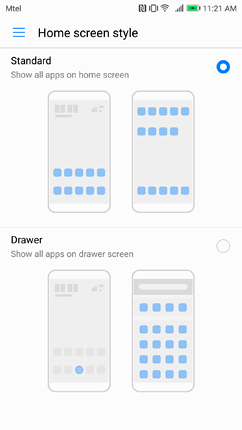
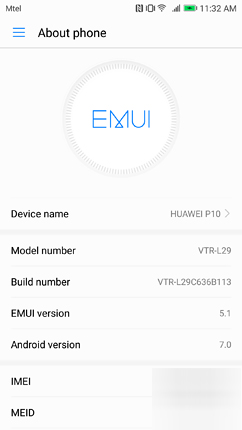
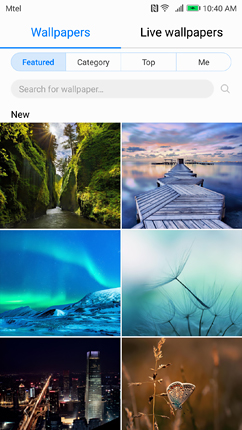
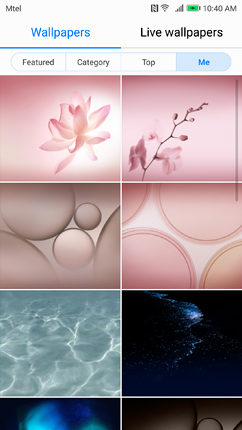
Huawei P10 arrives with EMUI 5.1 based on Android 7.0 Nougat. This is a significantly revamped UI, typical for other ones emerging from China such as Xiaomi's MIUI and LeEco's EUI. The lock screen contains the date, time, step counter, and a shortcut to the camera app. The Notifications and Quick Settings appear by default on it, but you can choose for them not to. The beautiful wallpapers change constantly in a very similar fashion to MIUI's Wallpaper Carousel. Below you can check screenshots of how the lock screen looks like when you charge the battery, play a music file, or try to manage the wallpapers. The Quick Settings contain most of Android 7.0's new features, including editing options, but lacks User management settings. The default launcher lists the apps directly on the home screen and successive ones. However, you can choose to have this layout along with an App tray. When you activate the latter, its icon appears on the home screen and it opens a single screen of apps listed in alphabetical order, with a list of the most used ones on top of it, accompanied by a search bar - very much like Android 6.0's default layout. A swipe to the right from the home screen opens the HiBoard screen, on which you can view helpful app suggestions, SmartCare events, search apps, contacts, messages, etc. It is very much like OnePlus's Shelf.
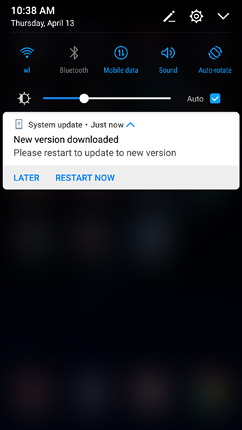
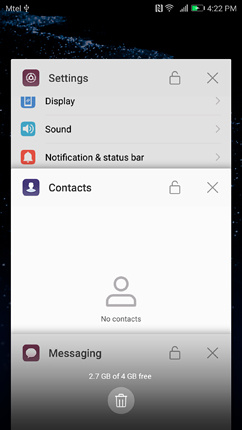
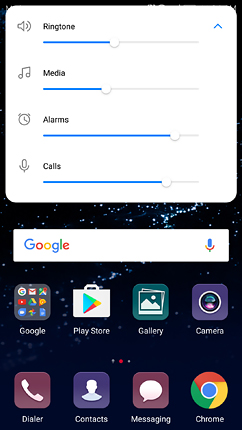
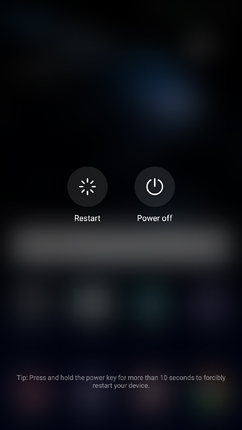
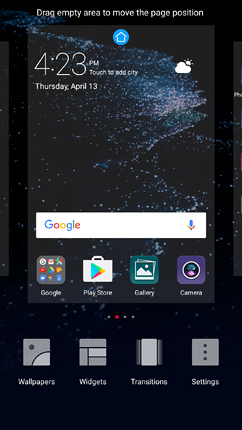
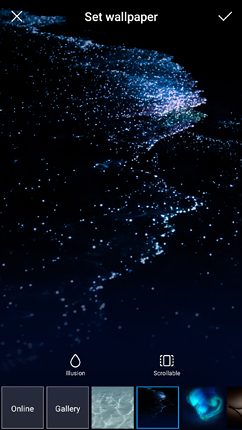
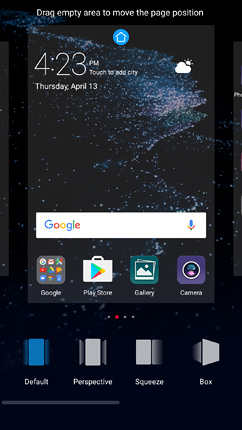
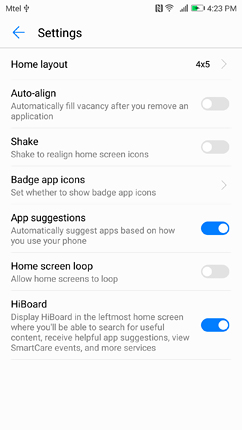
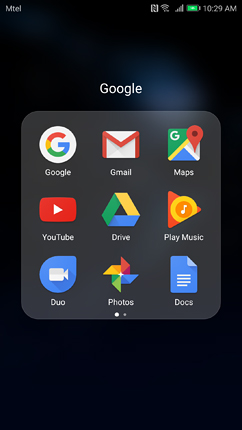
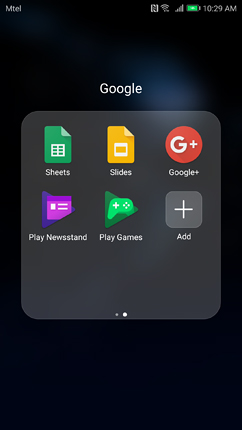
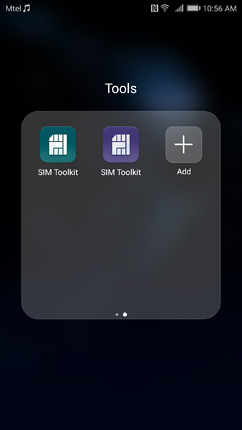
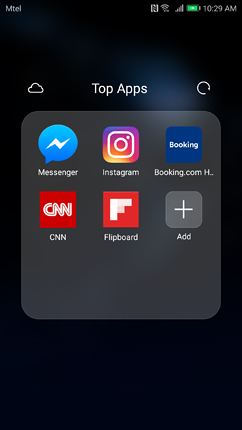
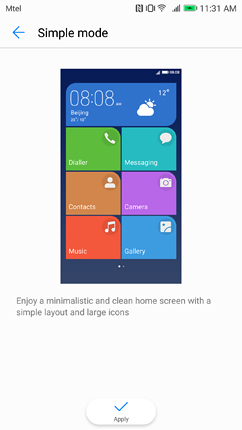
The Notifications in EMUI 5.1 are similar to Android 7.0 ones in the fact that they spread from edge to edge, but a major difference is that their corners are rounded. Otherwise, the in-notifications features are preserved. The Task Manager is accessed by swiping to the right on the home button if you use it as a navigation tool. It contains a clear-all button, but also provides a locking option for each app, so it is safe from being cleared. The Volume shade contains four types of volumes, unlike the traditional three. They are ringtone, media, alarms, and calls. The Power off shade includes two options - Restart and Power off. A longer touch on an empty space on the home screen activates the Widgets menu. It allows you to choose from quite a number of wallpapers, widgets, and screen transitions. There are also specific launcher settings, which allow you to change the icon layout and alignment, activate/deactivate badges on app icons, loop the home screen (this deactivates the HiBoard), and a toggle for the latter. Besides all apps that are directly visible on the home screen and the second one, there are also three folders. The first one contains most Google services apps. The second includes a number of tools. The third is called Top Apps and contains several suggested apps with an option for downloading more from the Huawei cloud services. In case you find this UI overwhelming, from the Settings you can choose the so-called Simple Mode and enjoy a very simplified user interface with large icons and immediate access to the most commonly used services/apps.
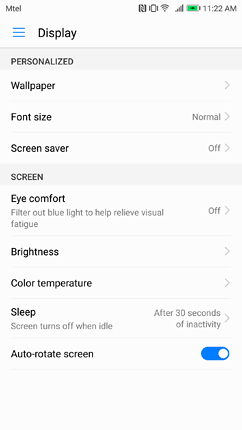
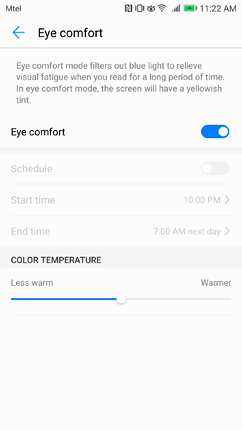
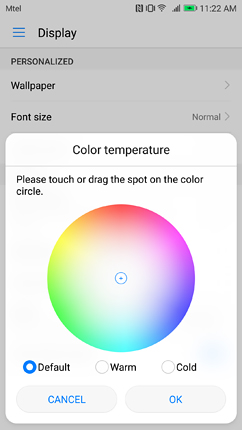
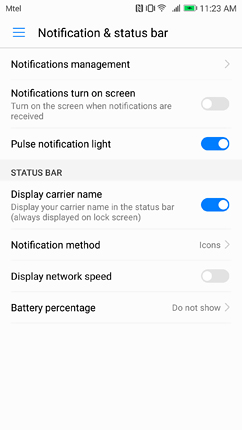
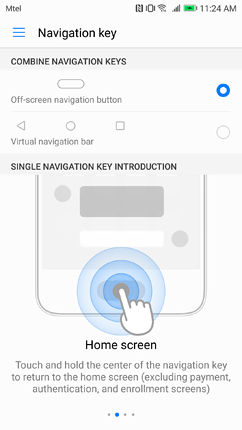
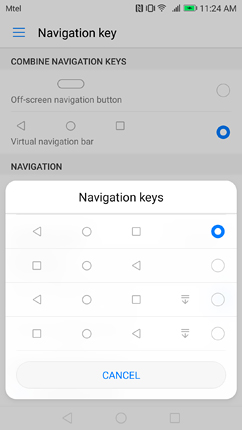
The Settings menu in EMUI 5.1 is a typical Android 7.0 Nougat one in terms of main features - a search bar, list of suggestions, burger menu for quick access to settings. The icons accompanying the menus are customised, so are the menus. The traditional Nougat snippets for current menu status are missing. Only for some of them, it is noted whether the feature is on/off, enabled/disabled, etc. There are also no titles for the separate groups of settings. However, we can definitely identify the first as being the Networks & wireless one. A large part of the menus is brought a level up for quicker access. From here you also get some additional options such as NFC, Huawei Beam, Link + live update, etc. The second group could be named Device and customizations. It starts off with an option for changing the launcher and goes on with the Display menu that offers a reading mode, colour temperature and font size options. Then the Sound menu follows, which is strictly about volumes, ringtones, vibrations, and system sounds, including a headset DTS mode. In Android 7.0 Nougat the Notifications menu is separate from the Sounds one and this is what we see here as well. You can manage notifications for each application on the device, the LED notification light, the notifications on the lock screen, and the status bar appearance. The last menu from this group is the Navigation Key one. It lets you choose the type of navigation - by using the home button only, or by using an on-screen navigation bar. The latter can be customised.
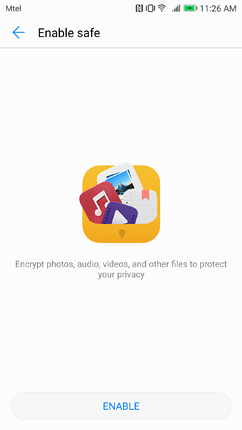
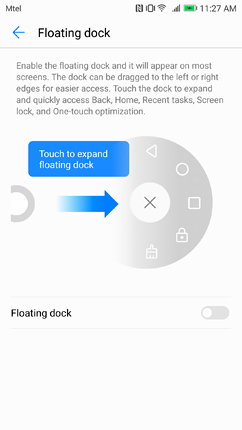
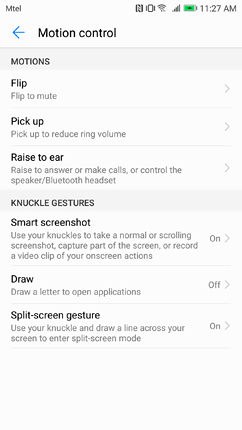
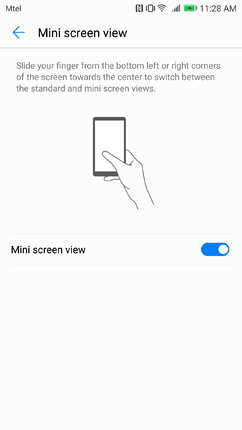
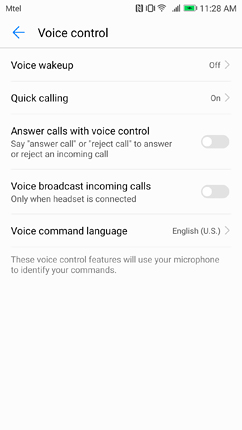
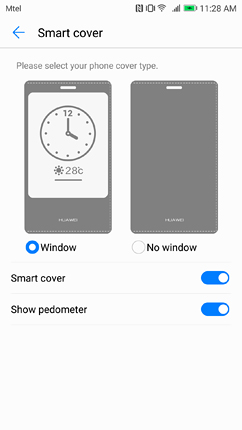
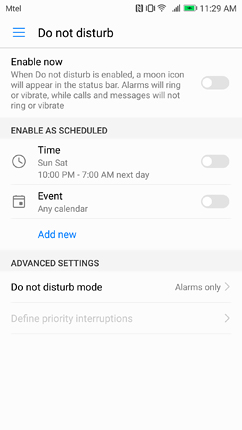
The third group of settings is dedicated mainly to the various Security features. It begins with the Fingerprint ID menu, from where you can create and manage fingerprint IDs. You can associate it not only to device unlock but also to app lock and a file safe to them. The File safe is a feature, which encrypts any data on the smartphone you'd like. The second menu under this group is the Screen lock & passwords, which includes Smart Unlock via Bluetooth and Magazine unlock. The Security & privacy menu is the third one in the group and a large part of it duplicates the corresponding features from the Phone Manager app (blocklist, virus scanner, app lock, and file safe). The Security group of Settings also contains the Google menu, Do Not Disturb mode, and a Smart assistance menu. The latter is quite extensive and includes a Floating dock, smart motions such as flip to mute, smart knuckle gestures such as drawing a line across to screen to enter Split-screen mode, etc. One handed UI is the menu from where you can enable/disable the mini screen view. By default, if draw a diagonal line from the left or right bottom corner the screen shrinks to a smaller size for more comfortable one-hand work. There are Voice control settings as well such in case you're using a smart cover with the device. Glove mode, Touch-disabled mode, MirrorShare, and Scheduled power on/off are also located under Smart assistance.
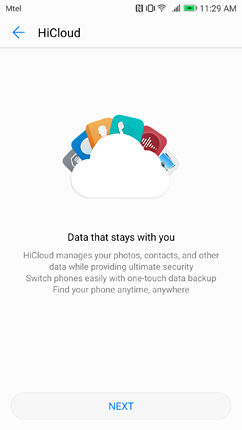
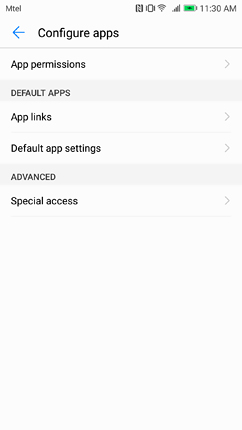
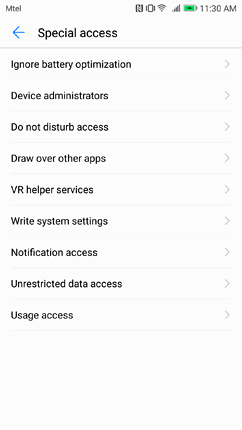
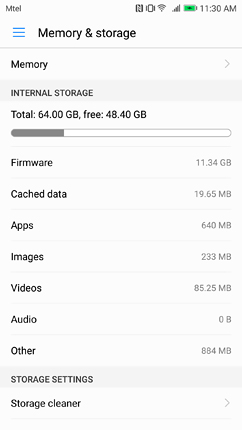
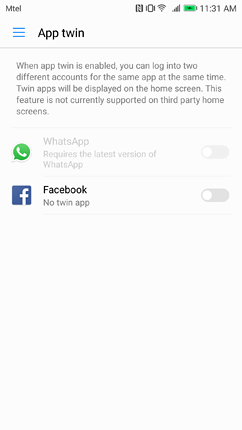
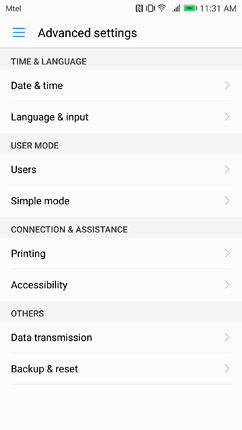
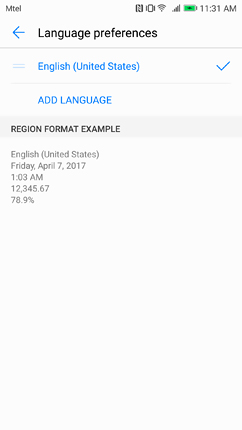
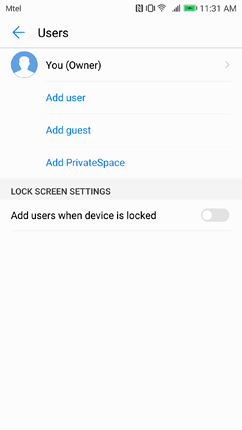
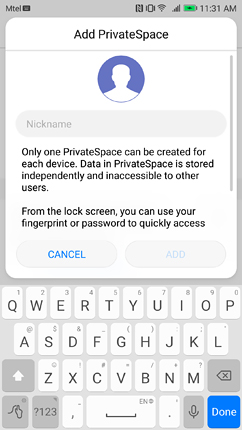
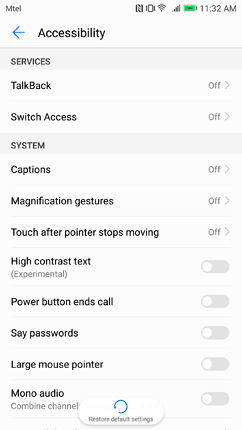
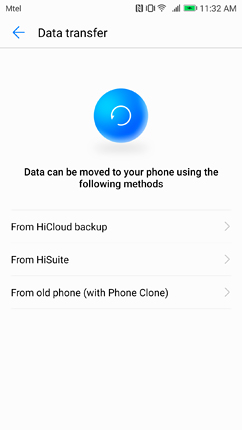
The fourth group of settings is small and includes the HiCloud settings, Huawei ID menu, and the Accounts one. The fifth group contains the App management, Permissions, including the Special access ones, Memory & storage, and App Twin. The latter refers to a feature that is more widely known as dual-app and that allows you to use one and the same application with two separate logins at one and the same time - for example, Facebook and WhatsApp. The Battery management is also under this group and it duplicates in full the battery options of the Phone Manager application, which will be discussed in detail in the corresponding section of this review. The last group of settings includes the System update, About phone, and the Advanced settings, which actually include pretty standard menus such as Date & time, Language & input (with the Android 7.0 feature for adding more than one primary language), Printing, Accessibility, Backup & reset. This sub-group also contains the User management options, which omit the Emergency information part but add a PrivateSpace feature. This allows you to create a separate space inside the phone that is accessible only by the authorised user. This feature is convenient if a mobile device is used by more than one person. From this sub-group, you can also enter the Simple Mode, which we have referred to earlier. The Data Transfer feature includes options for transferring data to the smartphone from a HiCloud backup, HiSuite, or an old phone. During our time with the smartphone, we have received only one update, which addressed some minor camera optimisations.
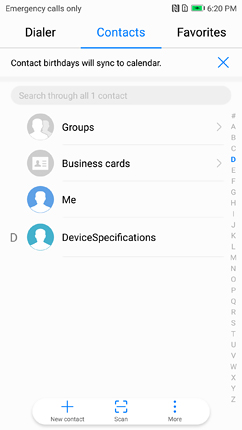
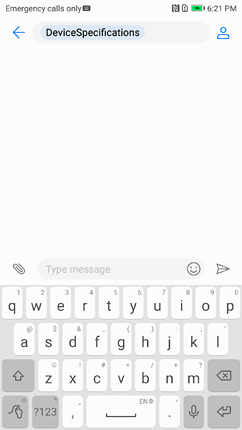
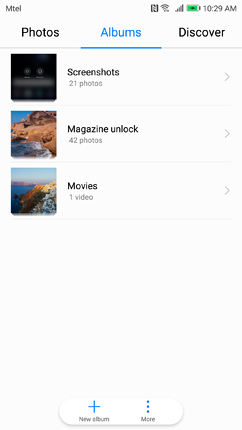
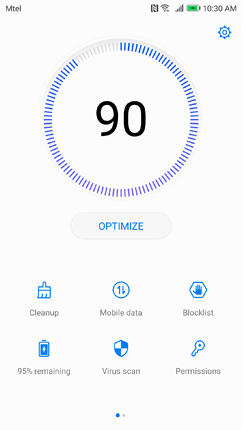
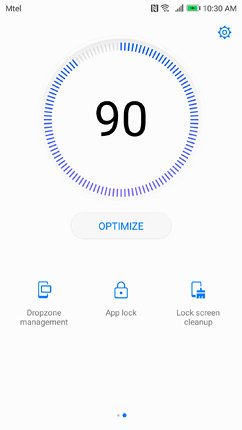
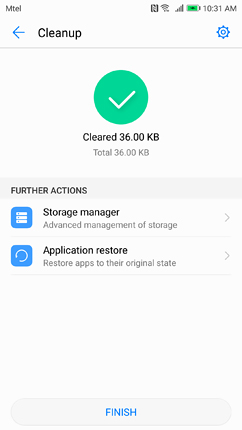
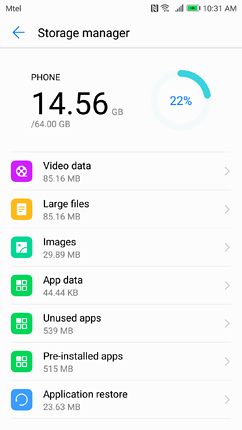
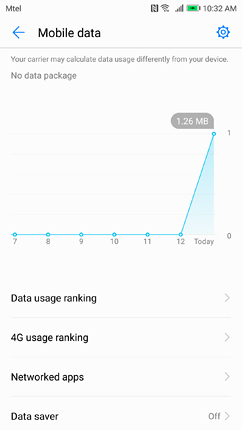
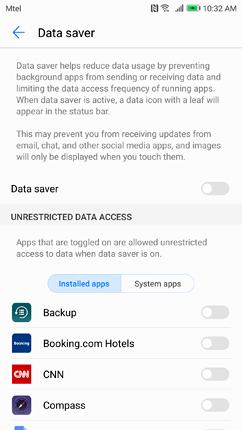
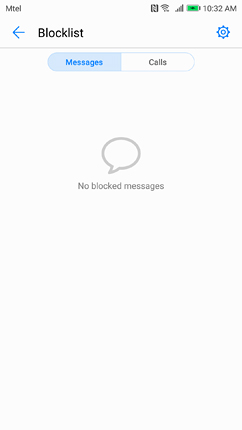
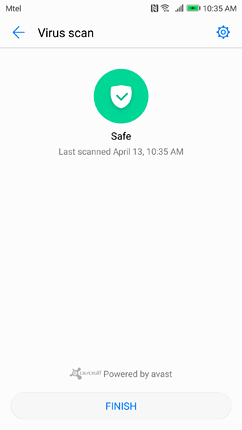
The Dialer and Contacts in EMUI 5.1 are merged into one app, though they're available as separate ones too. They are grouped as separate tabs and accompanied by a third one called Favorites. The Messenger is simple, so is the Gallery, which offers various ways of grouping the onboard images. However, it offers a feature called Highlights. It creates videos from your best moments by intelligently scanning your gallery and selecting the best photos and videos. There is an option to add sound effects and/or music to them. The Phone Manager app is the most advanced and feature-rich of all pre-installed applications. It is very much like the Security application that arrives with Xiaomi's MIUI 8. The application contains a Cleanup feature with a Storage manager and Application restore function, Mobile data management, Blocklist, Virus scan, Permissions, Dropzone management, App lock, Lock screen cleanup. Of course, the Battery manager is an inseparable part of this application, but we will discuss it in the Battery section of this review. EMUI 5.1 incorporates machine learning mechanisms and the Huawei Ultra Memory technology actively rearranges memory space to reduce fragmentation, and compress memory to save space for more important apps according to your usage patterns. With an improved faster kernel, Ultra Memory instantly recycles memory from unused apps. The phone searches and analyses network environments in real time and quickly selects the best network. Data transmission rates are automatically regulated to increase communication capabilities in weak signal environments.
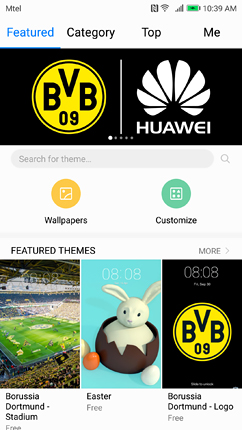
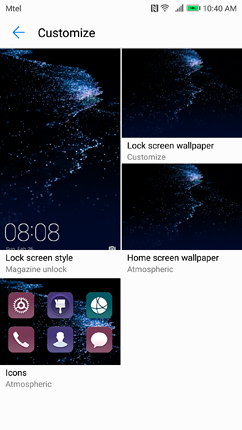
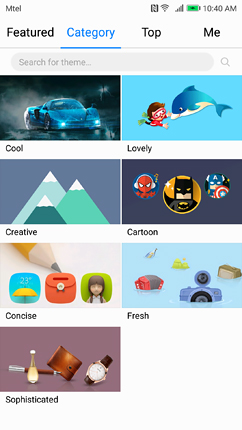
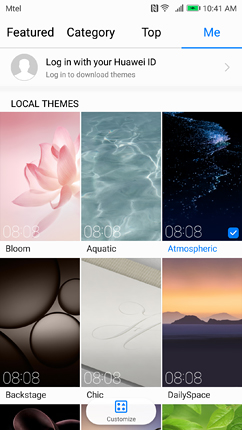
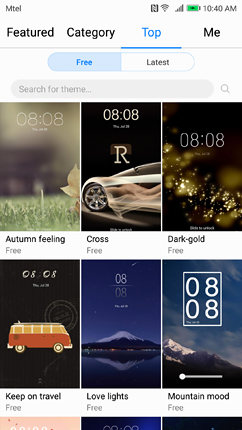
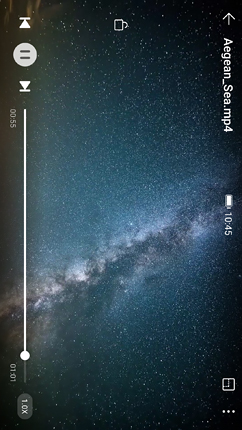
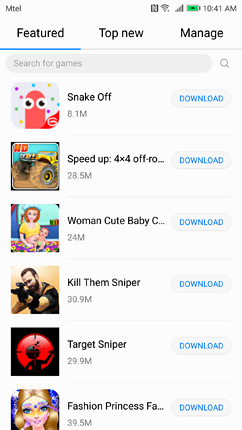
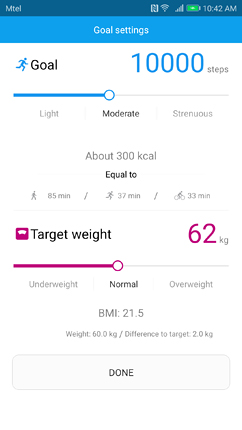
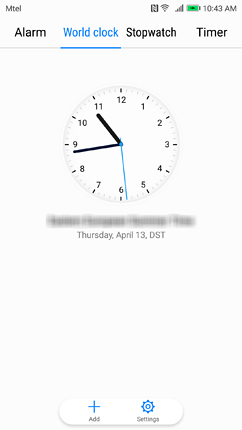
The Themes app is reminiscent of the same app in Xiaomi's MIUI 8. It opens a screen with online available themes and shortcuts to Wallpapers and a Customize feature. The Themes and Wallpapers are listed in various categories and you can also monitor the ones already available on the device. The Customize feature allows you to change the lock and home screen wallpaper, the icon style, and lock screen style. There's a video player, designed by Huawei, as well as a HiGame and Health app, both made by Huawei, too. The Health app is just like any other similar service that tracks your steps, physical activity, heart rate, etc. The Clock contains the usual four features - alarm, clock, stopwatch, and timer, but with a different design.
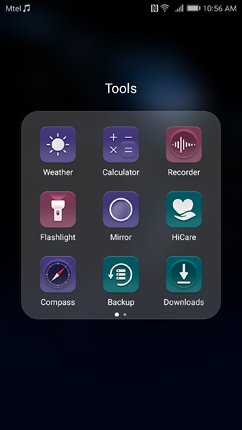
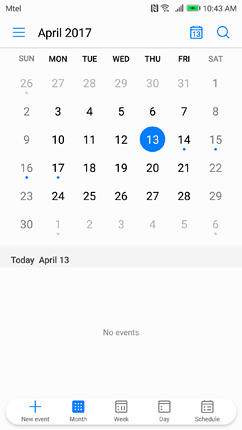
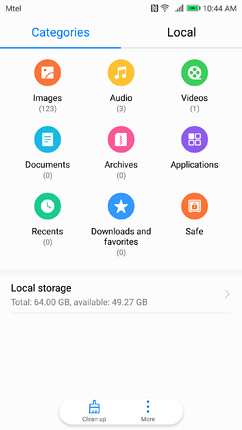
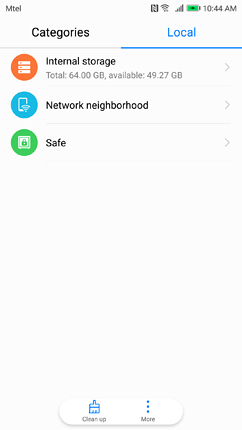
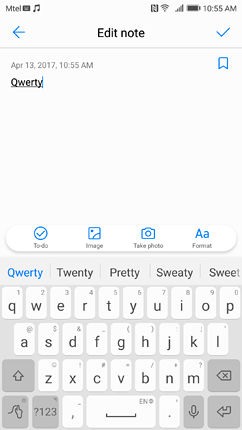
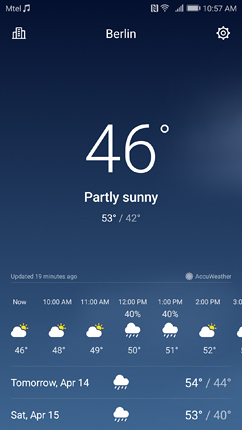
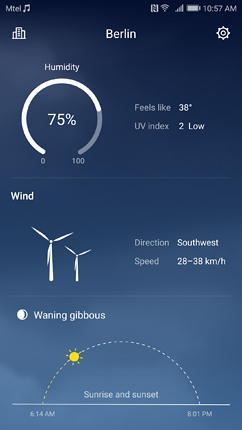
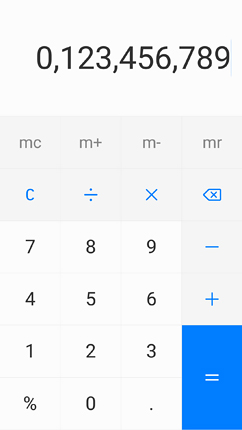
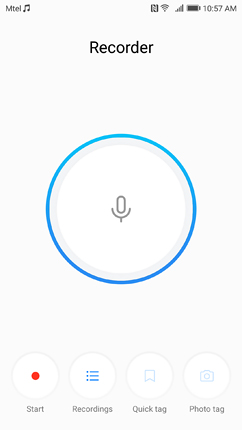
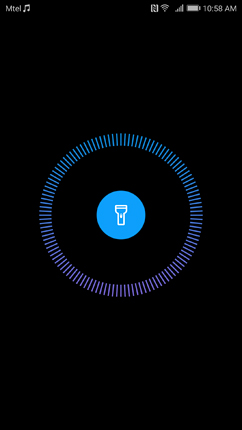
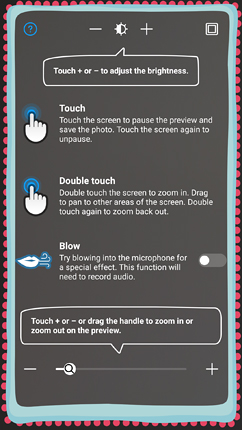
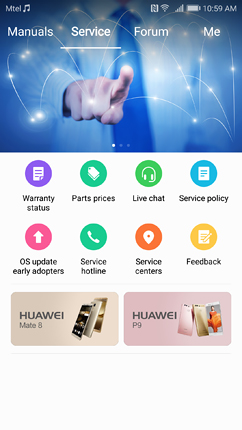
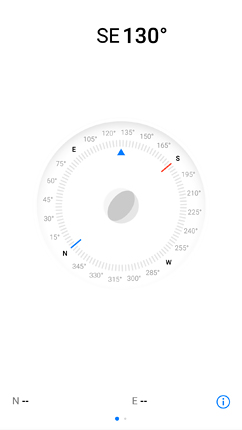
The Calendar is simple and useful as it can be. You can view all schedules in one place, combining resources from SMS, emails, and Notes. They can also be shared through email and SMS. The File Manager lists the available files in various categories and allows you to monitor the internal storage, the network neighbourhood, and the safety of the data. The Notes app is quite plain, too, but offers all the functionalities you'd need from it, including attaching images, formatting the text, taking photos within the app, add various markers, etc. The custom Weather app is pretty and informative. It is the first app in the Tools folder, which also contains the Calculator, Recorder, Flashlight, Compass with level, Backup, Downloads, and SIM Toolkit. The Mirror app is part of this folder, too. It uses the front-facing camera to take a photo with various features. The HiCare app actually provides direct access to manuals about the device, forums, and various service data (hotline, centres, live chat, policy, parts prices, warranty status, etc.).

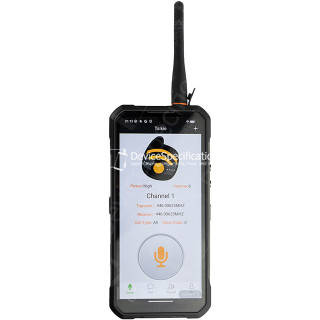
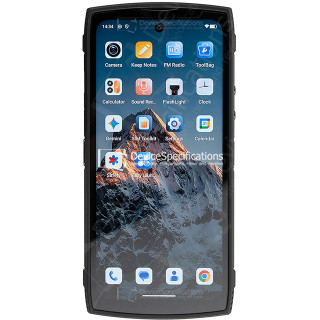
Dimensions: 85 x 179.5 x 27.5 mm
Poids: 651 g
SoC: MediaTek Dimensity 7025 (MT6855V)
Processeur: 2x 2.5 GHz ARM Cortex-A78, 6x 2.0 GHz ARM Cortex-A55, Nombre de noyaux: 8
Processeur graphique: IMG BXM-8-256, 950 MHz
Mémoire vive (RAM): 12 Go, 3200 MHz
Mémoire intégrée: 512 Go
Écran: 6.78 in, IPS, 1080 x 2460 pixels, 24 bit
Batterie: 20000 mAh, lithium-polymère (Li-Pol)
Système d'exploitation: Android 16
Caméra: 12000 x 9000 pixels, 2560 x 1440 pixels, 25 fps
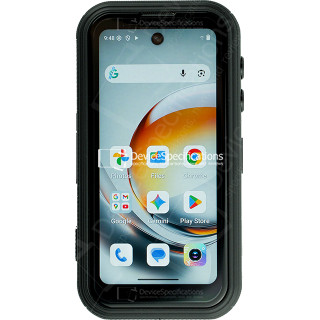
Dimensions: 59.6 x 114.5 x 23 mm
Poids: 207 g
SoC: MediaTek Dimensity 7300 (MT6878)
Processeur: 4x 2.5 GHz ARM Cortex-A78, 4x 2.0 GHz ARM Cortex-A55, Nombre de noyaux: 8
Processeur graphique: ARM Mali-G615 MC2
Mémoire vive (RAM): 12 Go, 2133 MHz
Mémoire intégrée: 256 Go
Écran: 4 in, IPS, 540 x 1168 pixels, 24 bit
Batterie: 3700 mAh, lithium-polymère (Li-Pol)
Système d'exploitation: Android 16
Caméra: 8192 x 6144 pixels, 3840 x 2160 pixels, 30 fps
Dimensions: 76.54 x 163.82 x 7.85 mm
Poids: 207 g
SoC: Qualcomm Snapdragon 8 Elite (SM8750-AB)
Processeur: 2x 4.32 GHz, 6x 3.53 GHz, Nombre de noyaux: 8
Processeur graphique: Qualcomm Adreno 830, 1100 MHz
Mémoire vive (RAM): 12 Go, 16 Go, 4800 MHz
Mémoire intégrée: 256 Go, 512 Go
Écran: 6.85 in, Q10 AMOLED, 1216 x 2688 pixels, 30 bit
Batterie: 7000 mAh, lithium-polymère (Li-Pol)
Système d'exploitation: Red Magic OS 11.0 (Android 16)
Caméra: 8182 x 6144 pixels, 7680 x 4320 pixels, 30 fps
Dimensions: 82 x 175.4 x 11.3 mm
Poids: 266 g
SoC: Unisoc T7250
Processeur: 2x 1.8 GHz ARM Cortex-A75, 6x 1.6 GHz ARM Cortex-A55, Nombre de noyaux: 8
Processeur graphique: ARM Mali-G57 MP1, 850 MHz
Mémoire vive (RAM): 8 Go, 1866 MHz
Mémoire intégrée: 256 Go
Écran: 6.7 in, IPS, 720 x 1600 pixels, 24 bit
Batterie: 5150 mAh, lithium-polymère (Li-Pol)
Système d'exploitation: Android 15
Caméra: 8160 x 6128 pixels, 1920 x 1080 pixels, 30 fps
Dimensions: 81 x 172.2 x 15.3 mm
Poids: 360 g
SoC: MediaTek Dimensity 7025 (MT6855V)
Processeur: 2x 2.5 GHz ARM Cortex-A78, 6x 2.0 GHz ARM Cortex-A55, Nombre de noyaux: 8
Processeur graphique: IMG BXM-8-256, 950 MHz
Mémoire vive (RAM): 16 Go, 3200 MHz
Mémoire intégrée: 512 Go
Écran: 6.6 in, IPS, 1080 x 2408 pixels, 24 bit
Batterie: 11000 mAh, lithium-polymère (Li-Pol)
Système d'exploitation: Android 15
Caméra: 12000 x 9000 pixels, 2560 x 1440 pixels, 30 fps
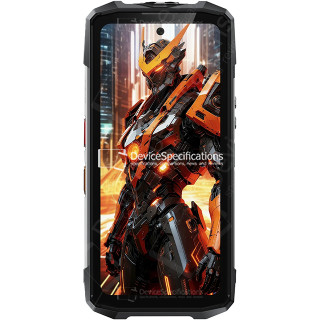
Dimensions: 90.6 x 190.1 x 39.95 mm
Poids: 910 g
SoC: MediaTek Dimensity 7300 (MT6878)
Processeur: 4x 2.5 GHz ARM Cortex-A78, 4x 2.0 GHz ARM Cortex-A55, Nombre de noyaux: 8
Processeur graphique: ARM Mali-G615 MC2
Mémoire vive (RAM): 12 Go, 2133 MHz
Mémoire intégrée: 512 Go
Écran: 6.95 in, IPS, 1080 x 2460 pixels, 24 bit
Batterie: 28000 mAh, lithium-polymère (Li-Pol)
Système d'exploitation: Android 15
Caméra: 16320 x 12288 pixels, 3840 x 2160 pixels, 30 fps
Dimensions: 76.54 x 163.82 x 8.9 mm
Poids: 230 g
SoC: Qualcomm Snapdragon 8 Elite Gen 5 (SM8850-AC)
Processeur: 2x 4.61 GHz Oryon, 6x 3.63 GHz Oryon, Nombre de noyaux: 8
Processeur graphique: Qualcomm Adreno 840 (829), 768 MHz
Mémoire vive (RAM): 12 Go, 16 Go, 24 Go, 5333 MHz
Mémoire intégrée: 256 Go, 512 Go, 1024 Go
Écran: 6.85 in, AMOLED, 1216 x 2688 pixels, 30 bit
Batterie: 7500 mAh, lithium-polymère (Li-Pol)
Système d'exploitation: Red Magic OS 11 (Android 16)
Caméra: 8182 x 6144 pixels, 7680 x 4320 pixels, 30 fps
Dimensions: 269.7 x 179.5 x 27.8 mm
Poids: 1600 g
SoC: MediaTek Dimensity 7400X (MT6878V/TFZA)
Processeur: 4x 2.6 GHz ARM Cortex-A78, 4x ARM Cortex-A55, Nombre de noyaux: 8
Processeur graphique: ARM Mali-G615 MC2
Mémoire vive (RAM): 12 Go, 2133 MHz
Mémoire intégrée: 512 Go
Écran: 10.95 in, IPS, 1920 x 1200 pixels, 24 bit
Batterie: 24200 mAh, lithium-polymère (Li-Pol)
Système d'exploitation: Android 15
Caméra: 9280 x 6920 pixels, 3840 x 2160 pixels, 30 fps
Dimensions: 89.2 x 186.2 x 31.6 mm
Poids: 699 g
SoC: MediaTek Dimensity 7050 (MT6877V)
Processeur: 2x 2.6 GHz ARM Cortex-A78, 6x 2.0 GHz ARM Cortex-A55, Nombre de noyaux: 8
Processeur graphique: ARM Mali-G68 MC4, 950 MHz
Mémoire vive (RAM): 12 Go, 2133 MHz
Mémoire intégrée: 256 Go
Écran: 6.78 in, IPS, 1080 x 2460 pixels, 24 bit
Batterie: 20000 mAh, lithium-polymère (Li-Pol)
Système d'exploitation: Android 15
Caméra: 8120 x 6180 pixels, 3840 x 2160 pixels, 30 fps