Oukitel WP61 Plus Review
17 Март 2026, 09:29:43
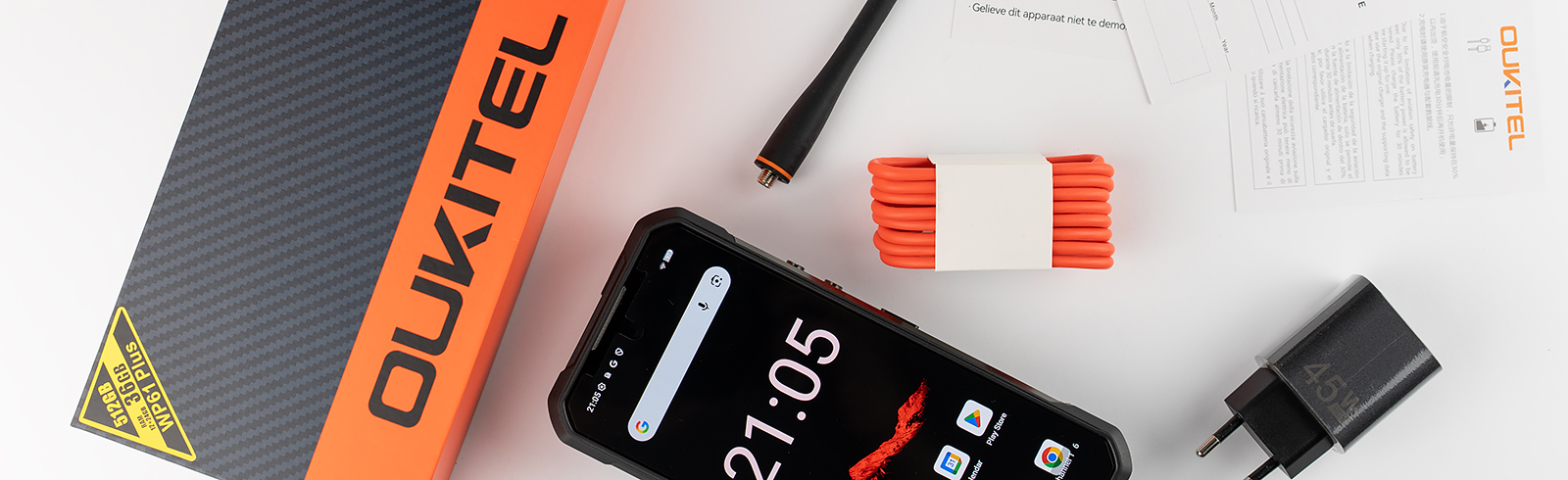
Oukitel WP61 Plus OS, UI and software
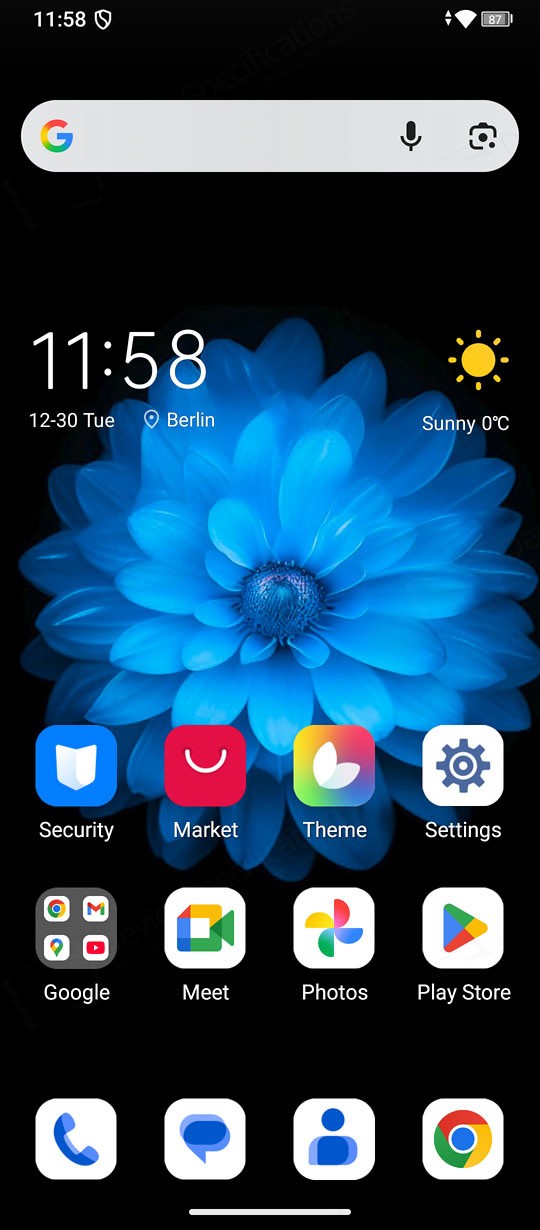
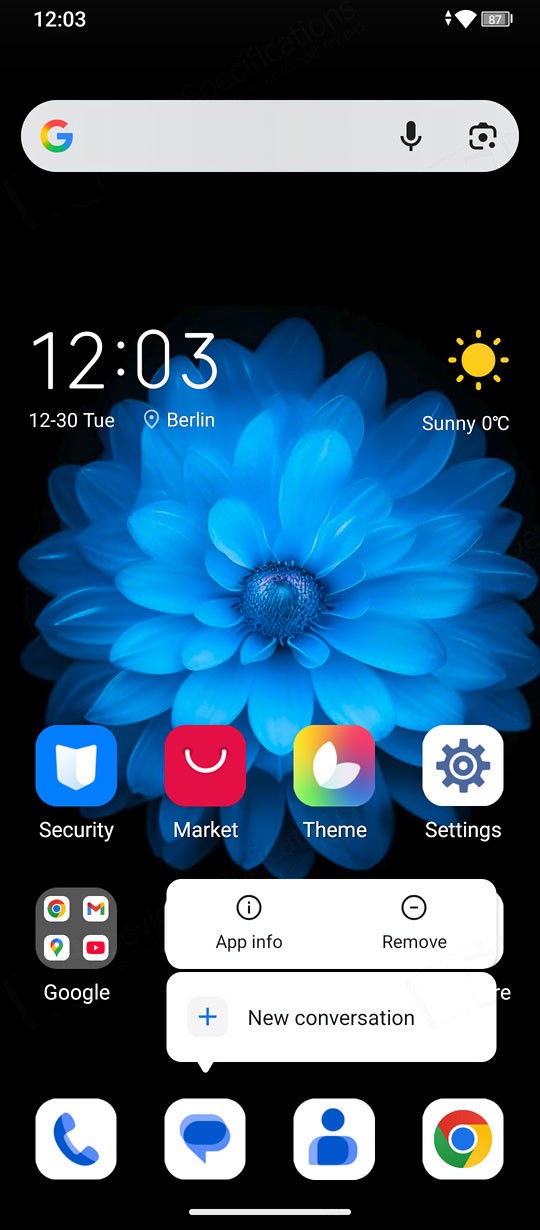
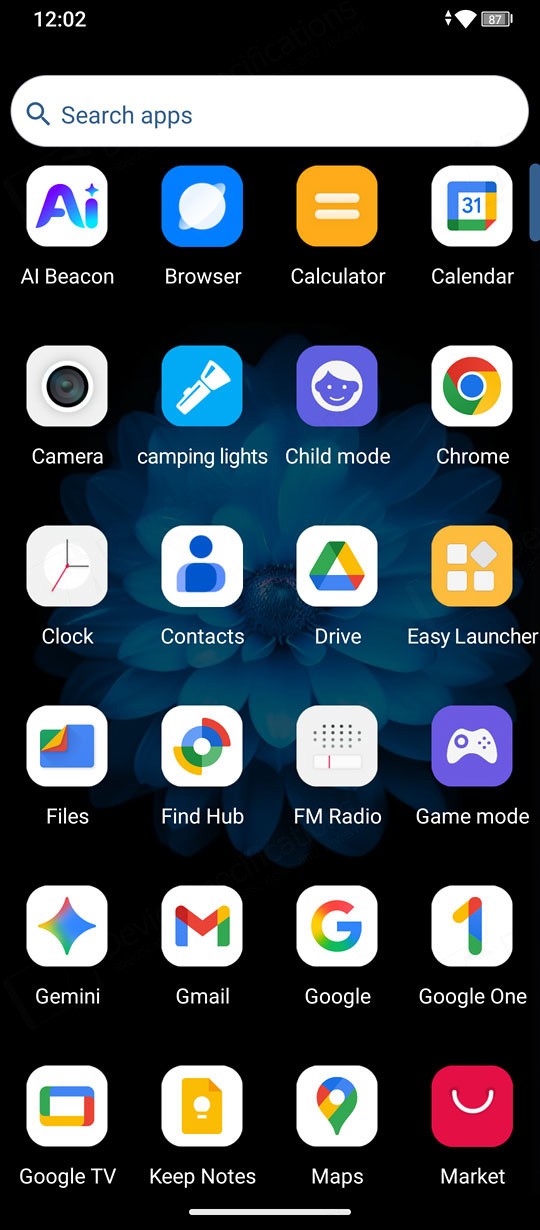
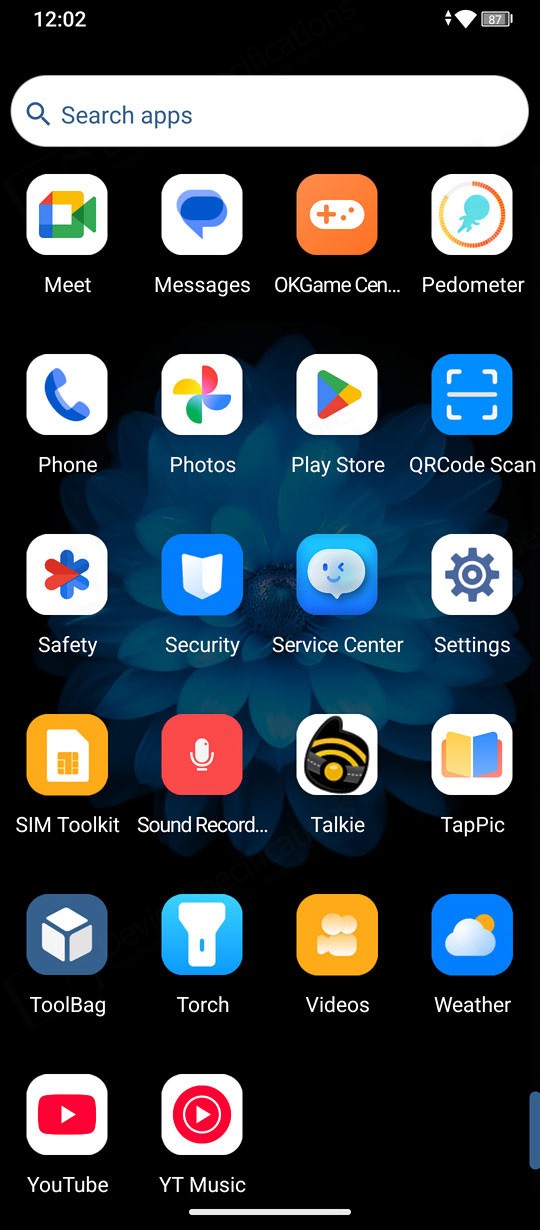
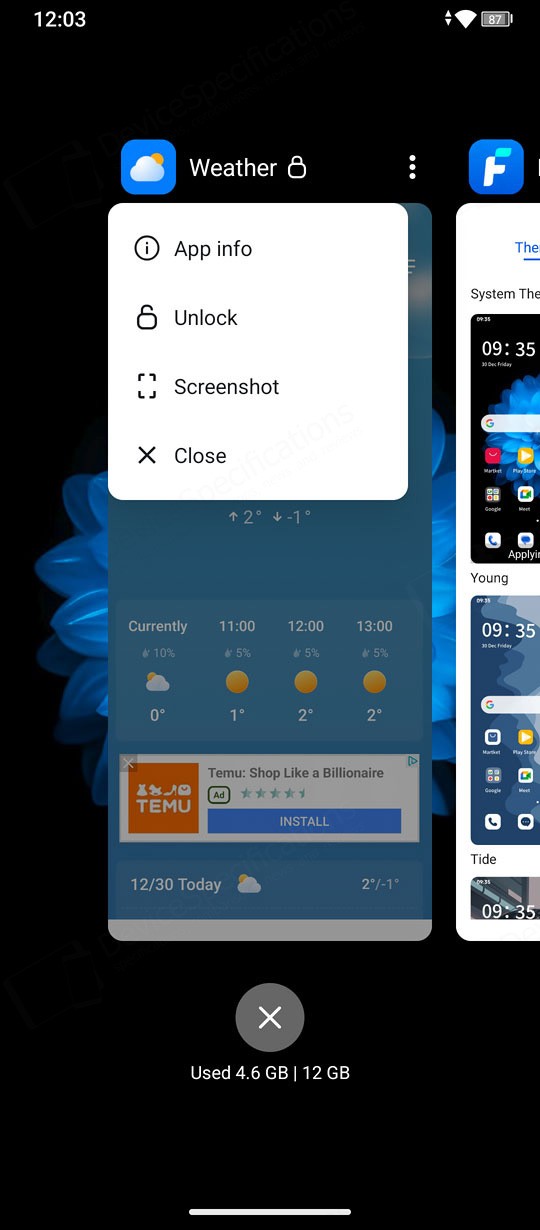
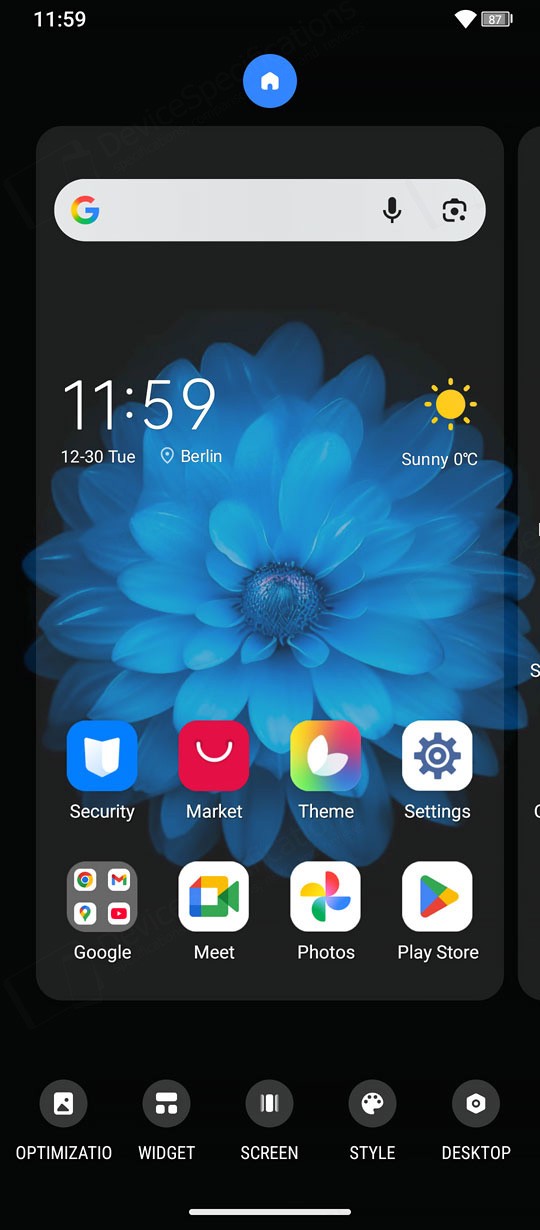
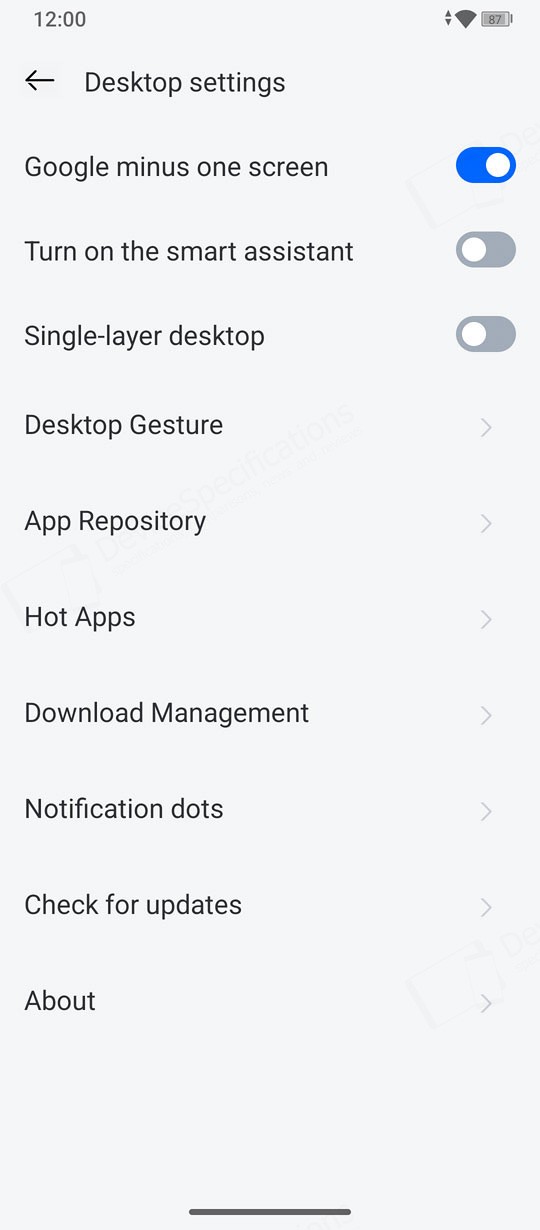
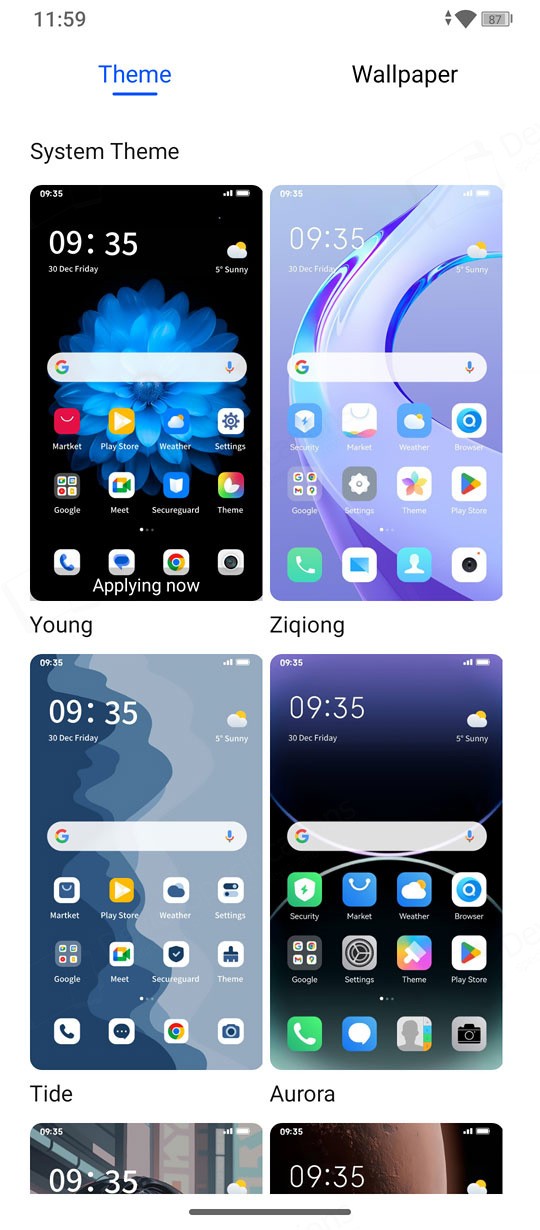
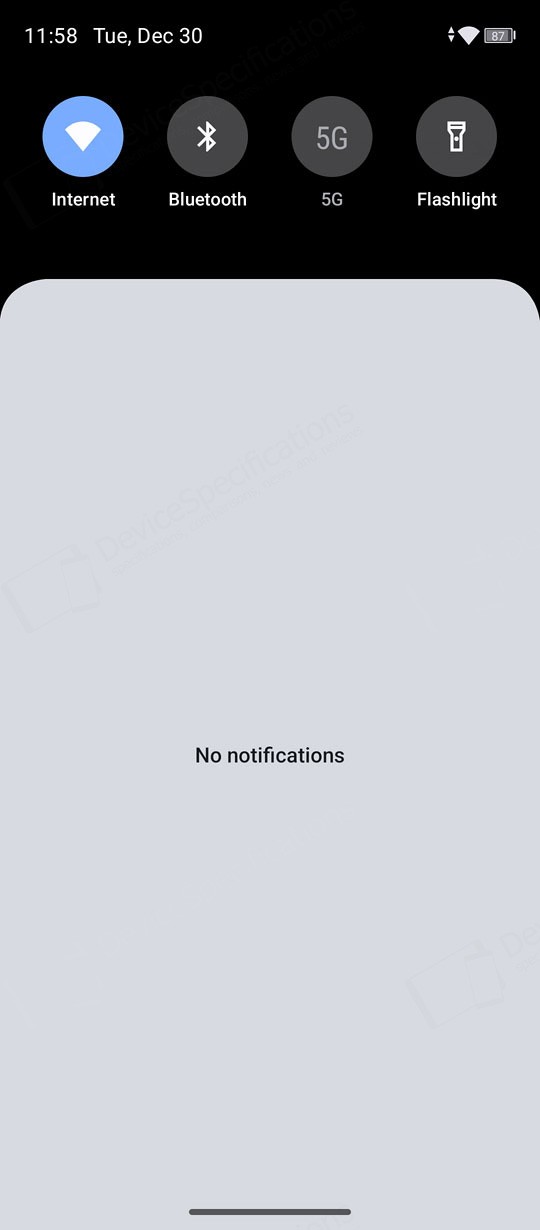
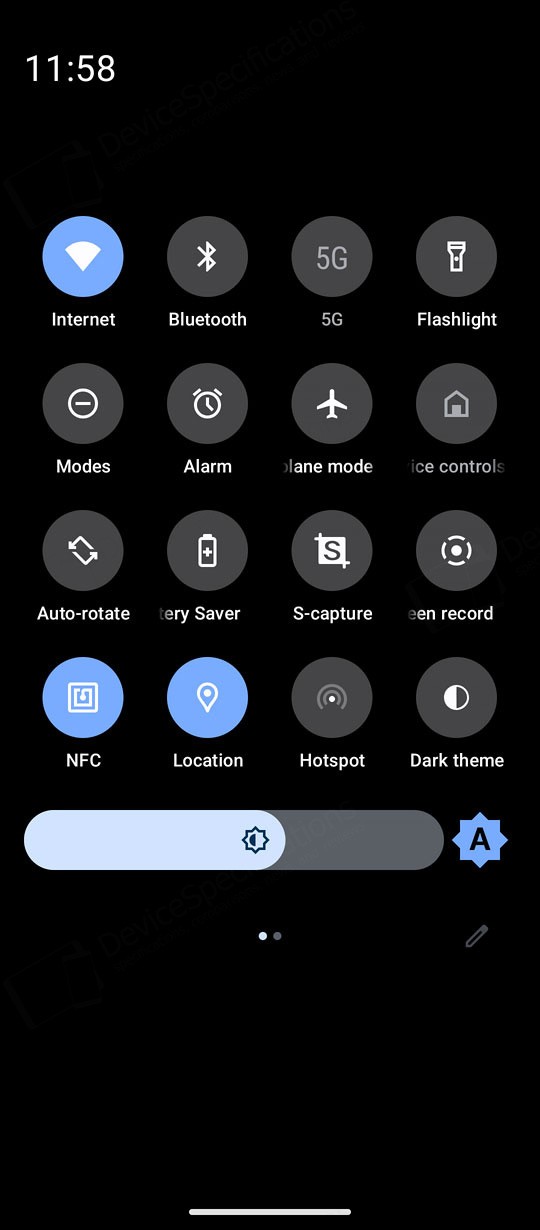
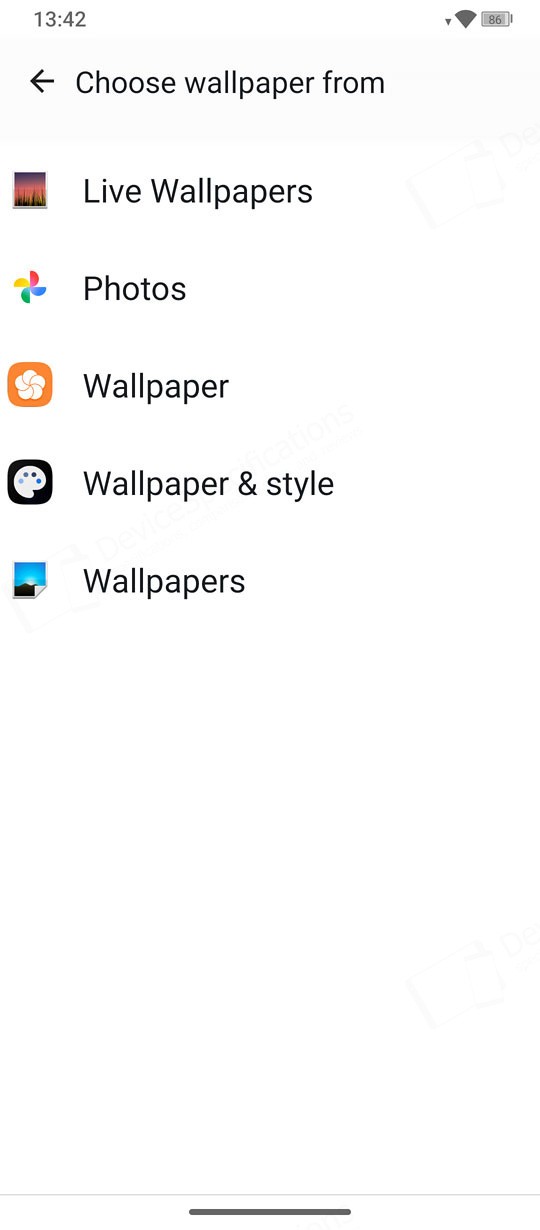
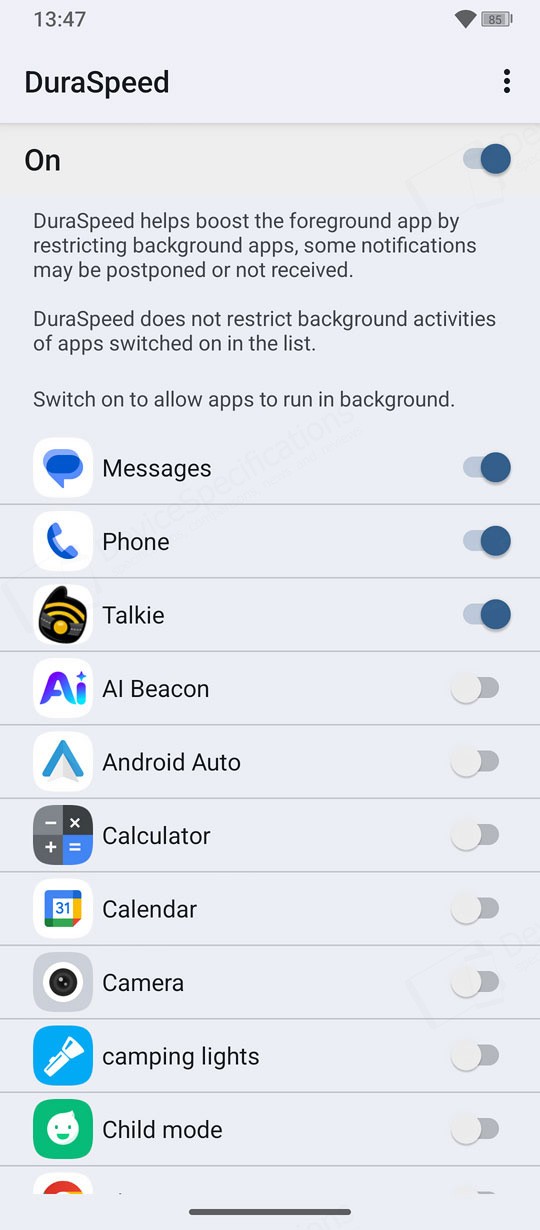
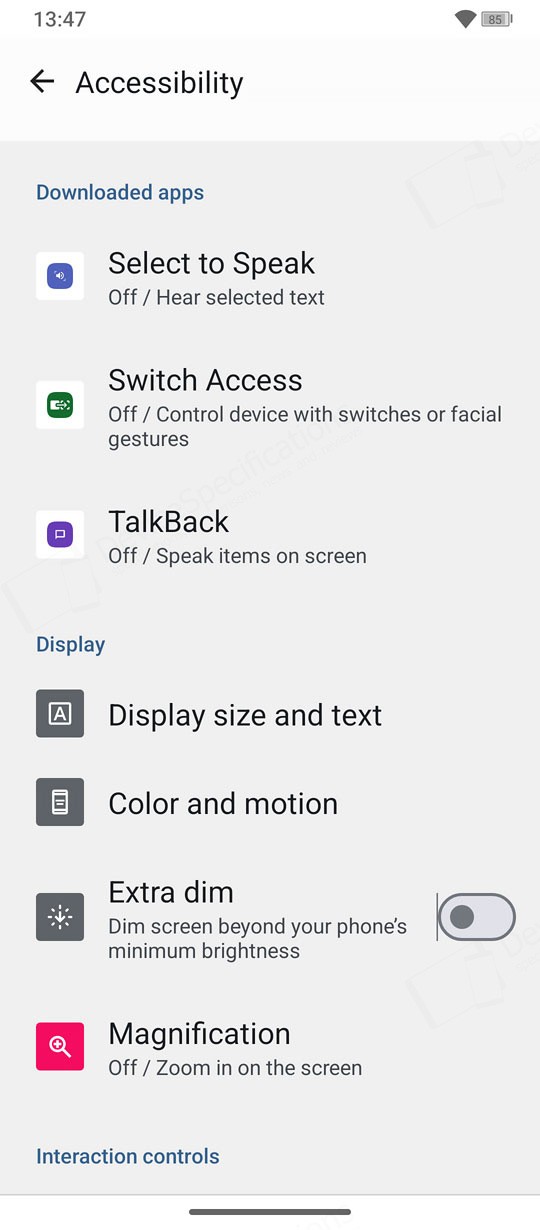
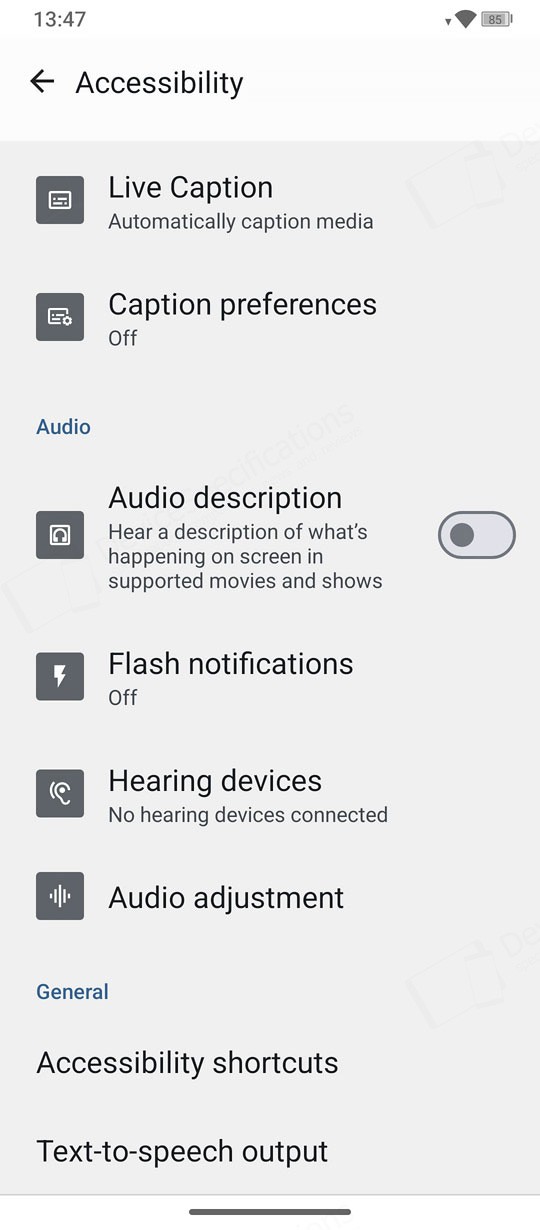
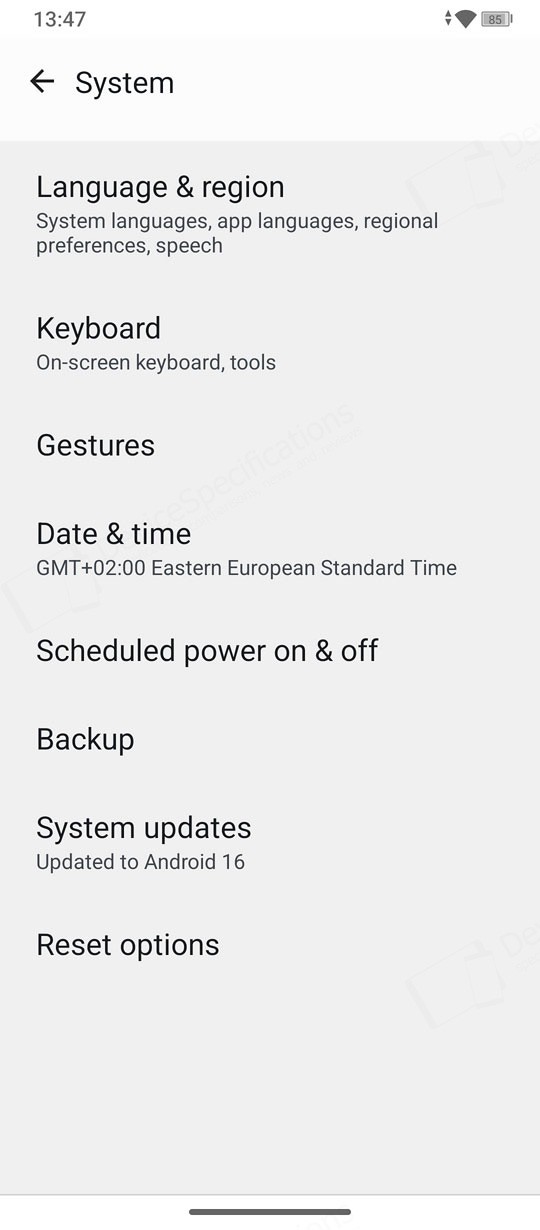
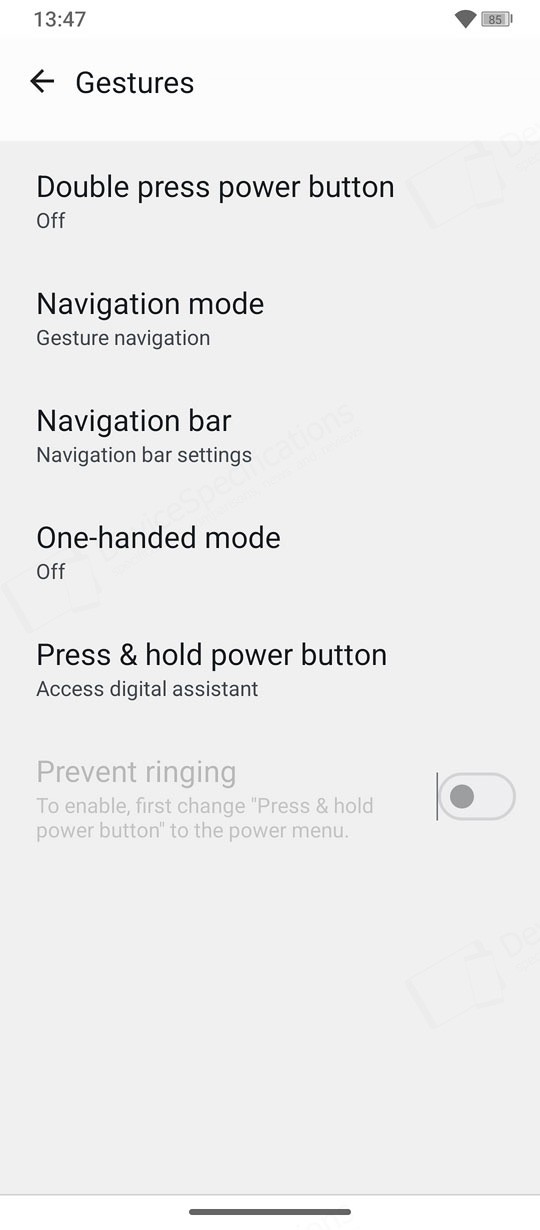
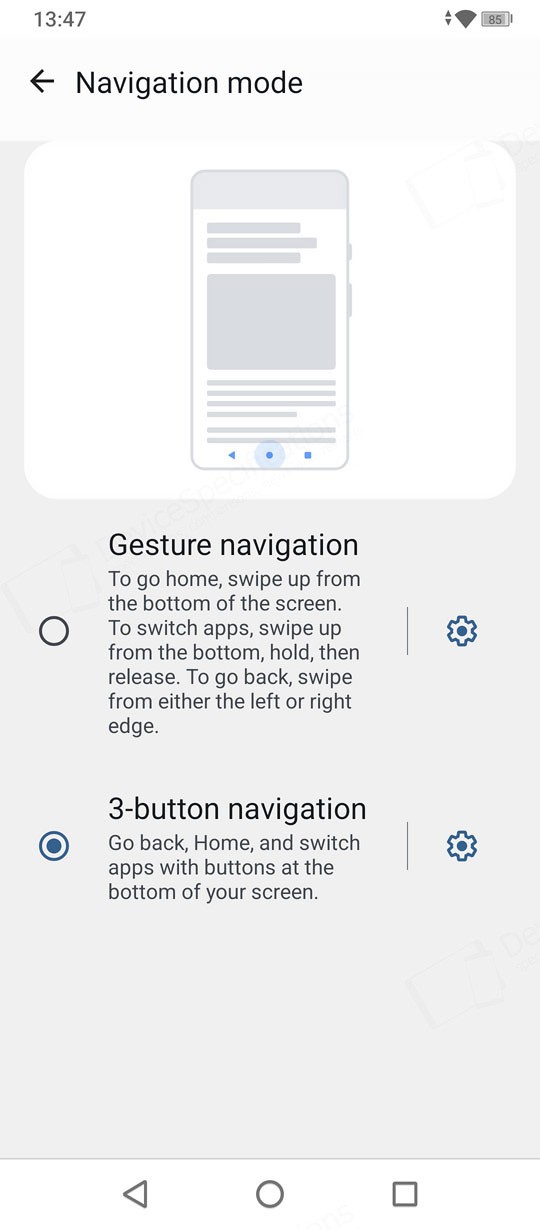
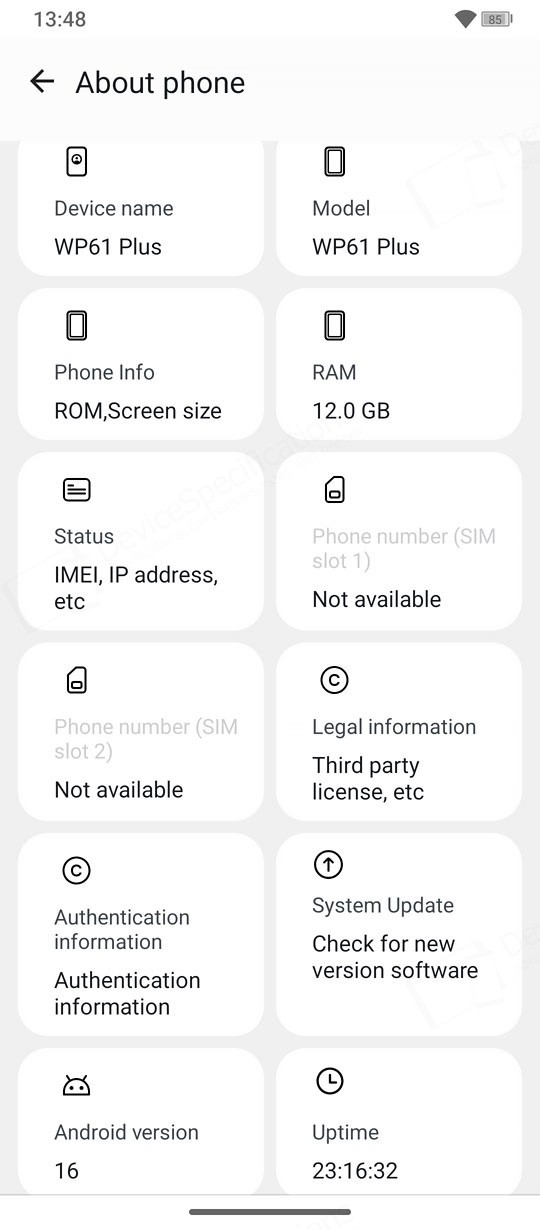
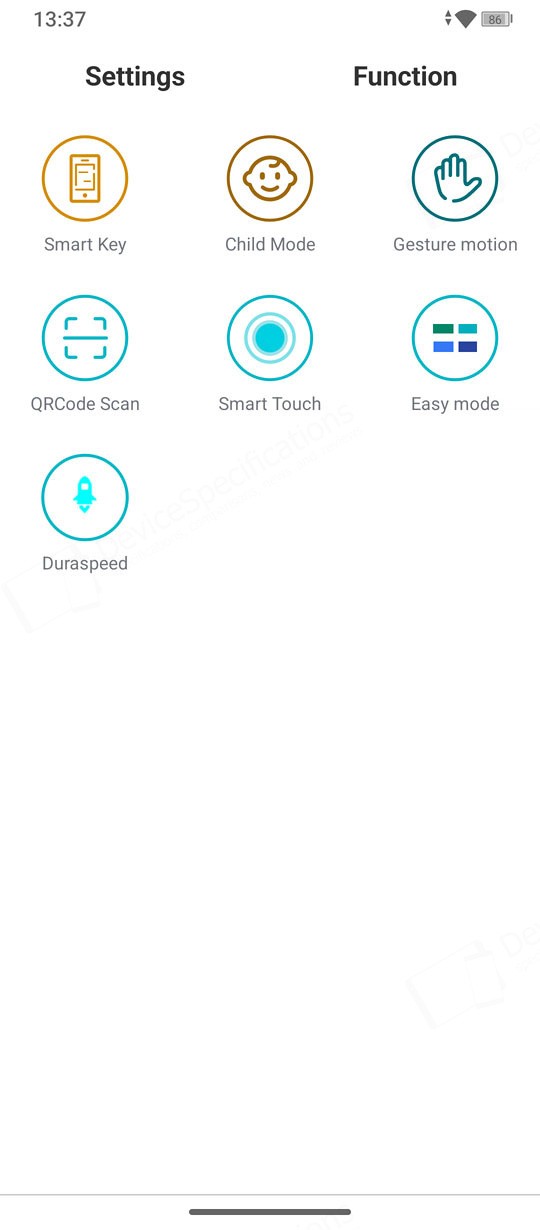
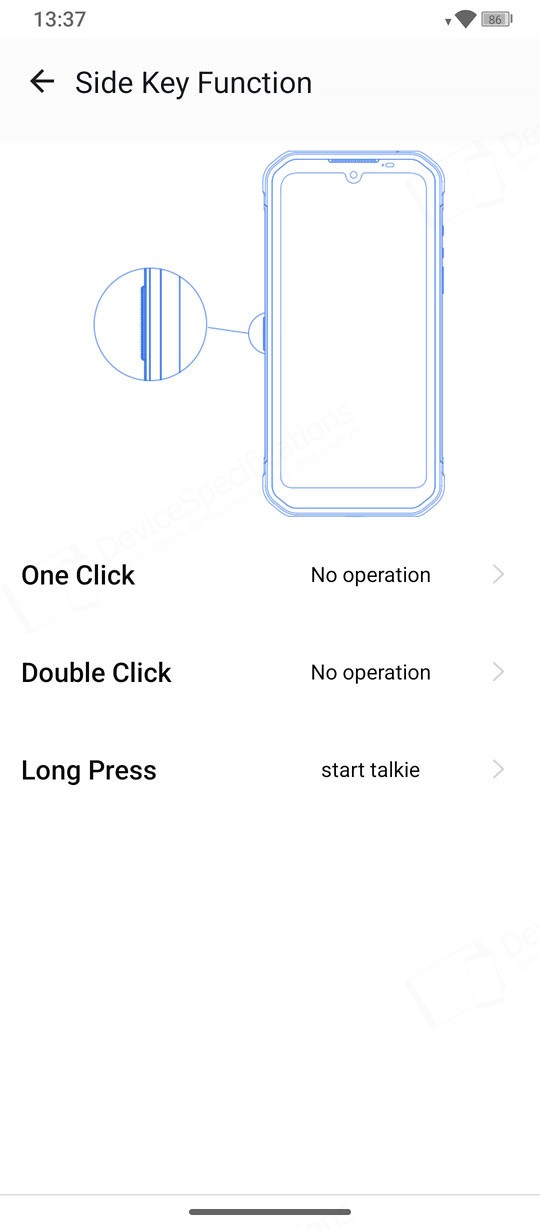
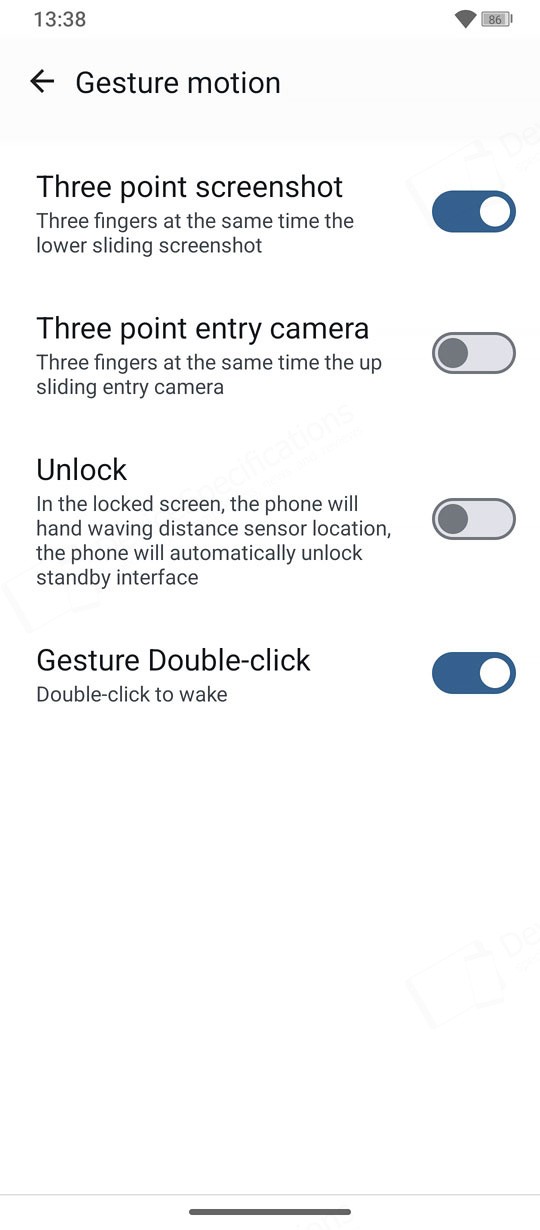
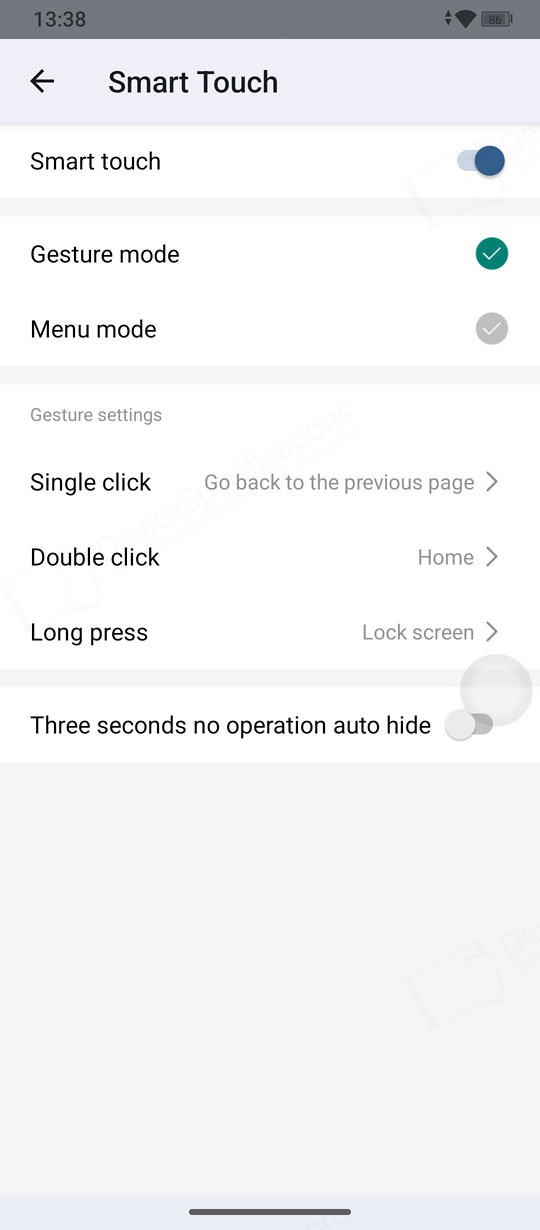
The Oukitel WP61 Plus runs stock Android 16, complete with all the familiar perks. The Lock Screen features a large clock widget paired with a small date widget. The Wallpaper Carousel is enabled by default, and a rotating news snippet appears on the Lock Screen as well. The Home Screen follows a classic layout: a Google search bar at the top with integrated voice search and Lens, a combined clock/date widget, a weather widget, a row of favorite apps, and a docked app row at the bottom. Desktop shortcuts are supported. A second desktop hosts the key pre‑installed apps. If you enable the app drawer from Home Settings, you’ll get access to the full list of installed applications.The Task Manager displays app previews in a horizontal layout. From each preview, you can open the app info page, launch split‑screen mode when available, make a screenshot, or close the app. The Customization Picker lets you choose wallpapers, themes, styles, screen transition effects, widgets, and Home settings. The latter allows you to enable or disable the app drawer, toggle Google Discover, manage notification dots, manage the app repository, desktop gestures, hot apps, turn on the smart assistant, etc. A swipe down from the top of the display opens the notification shade, while a second swipe reveals the Quick Settings panel. The toggles are arranged across two consecutive pages.


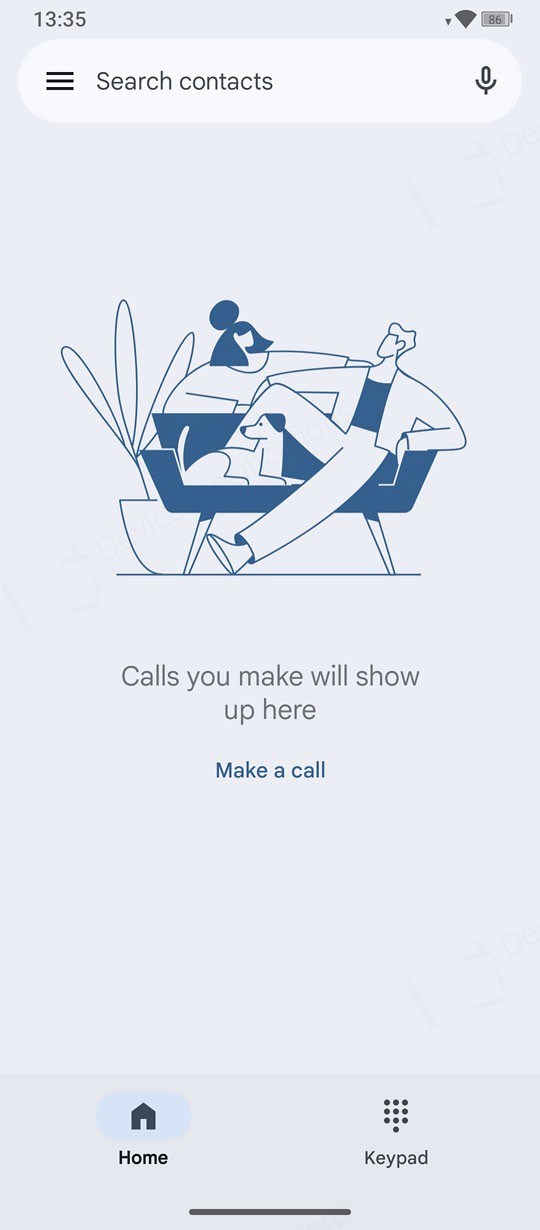
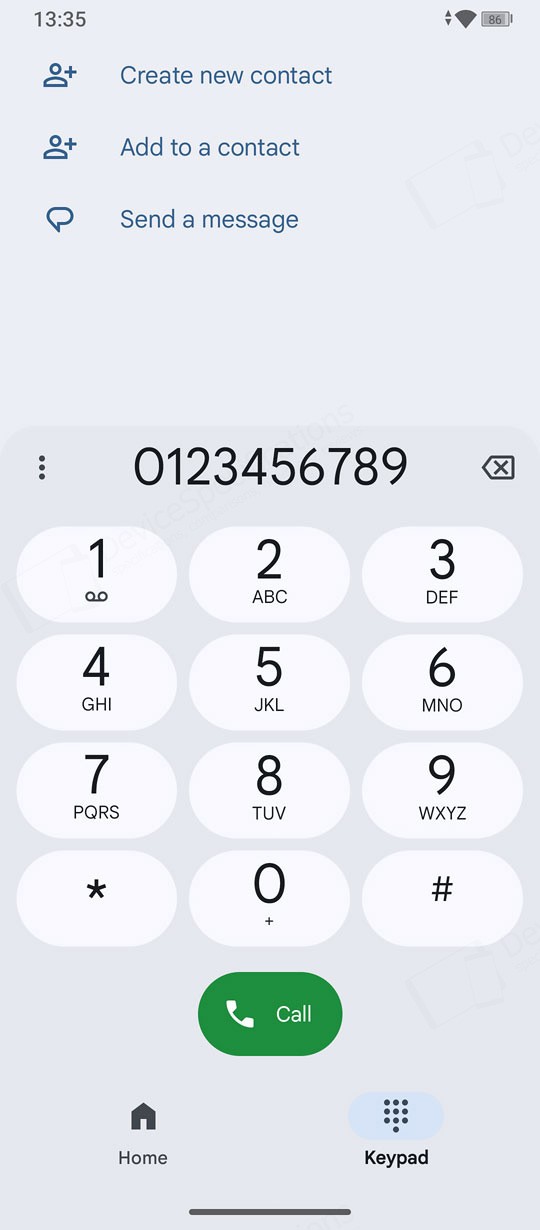

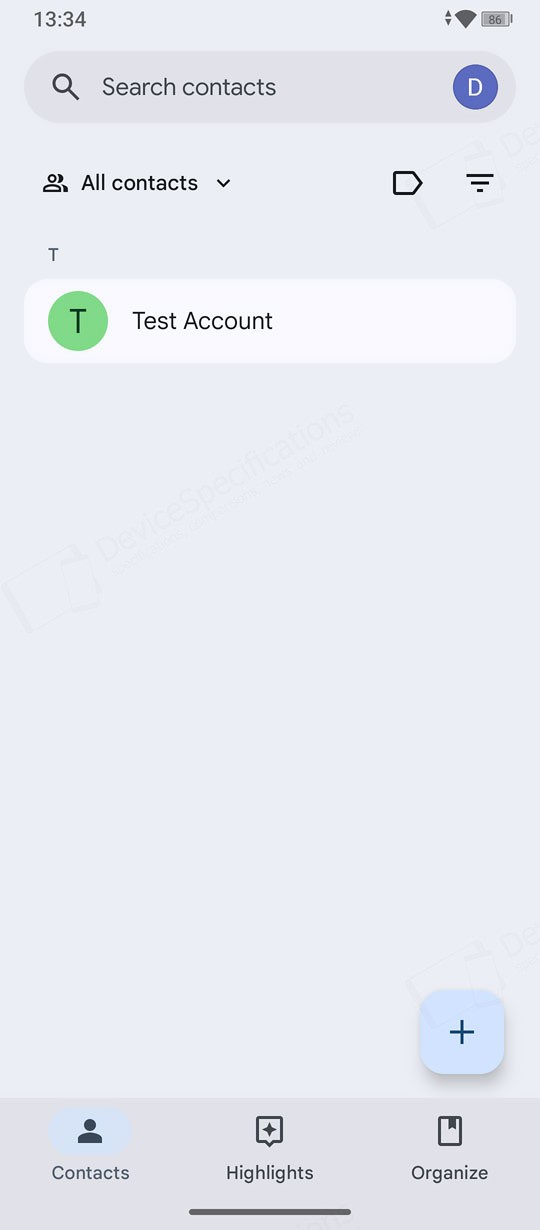
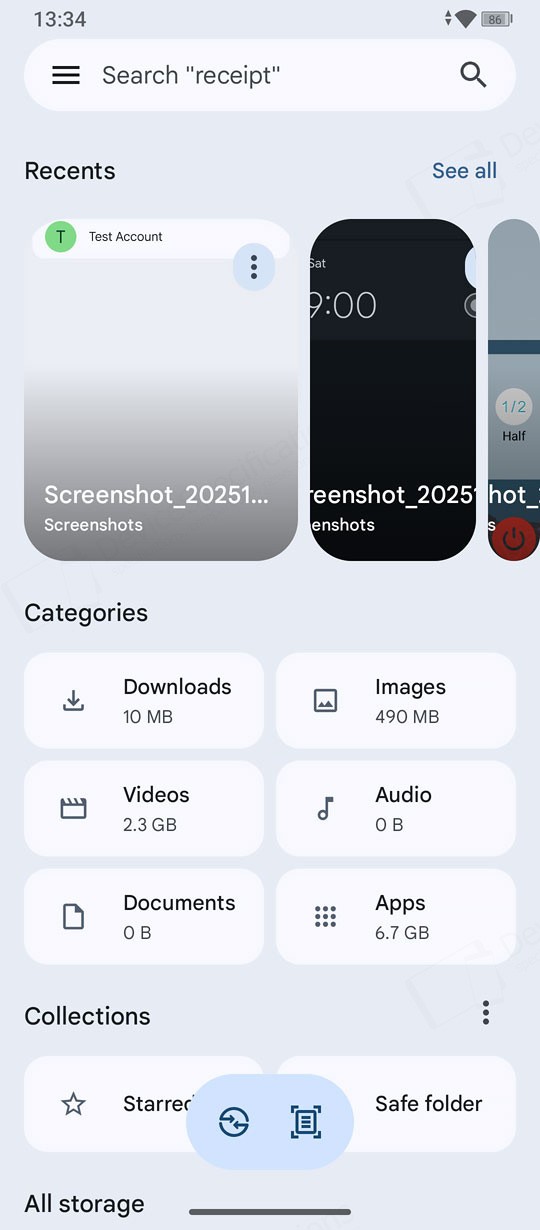
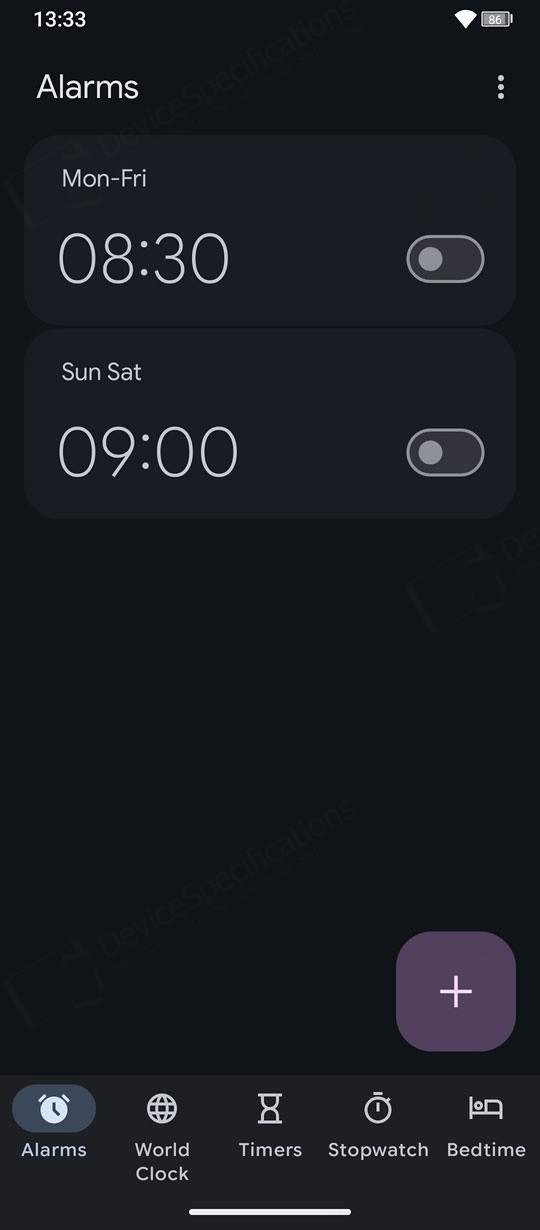
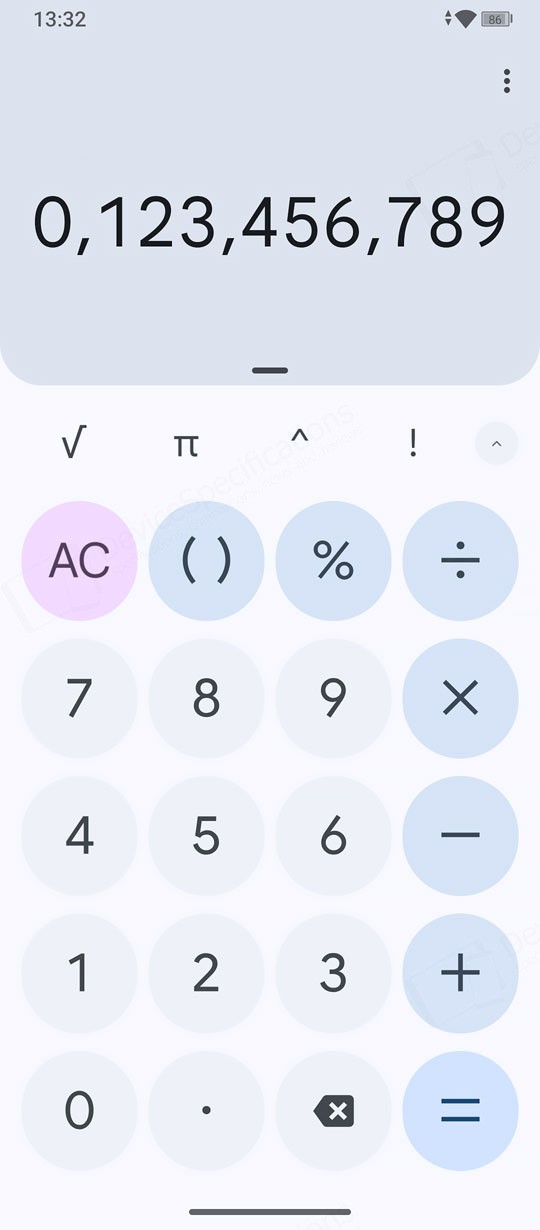
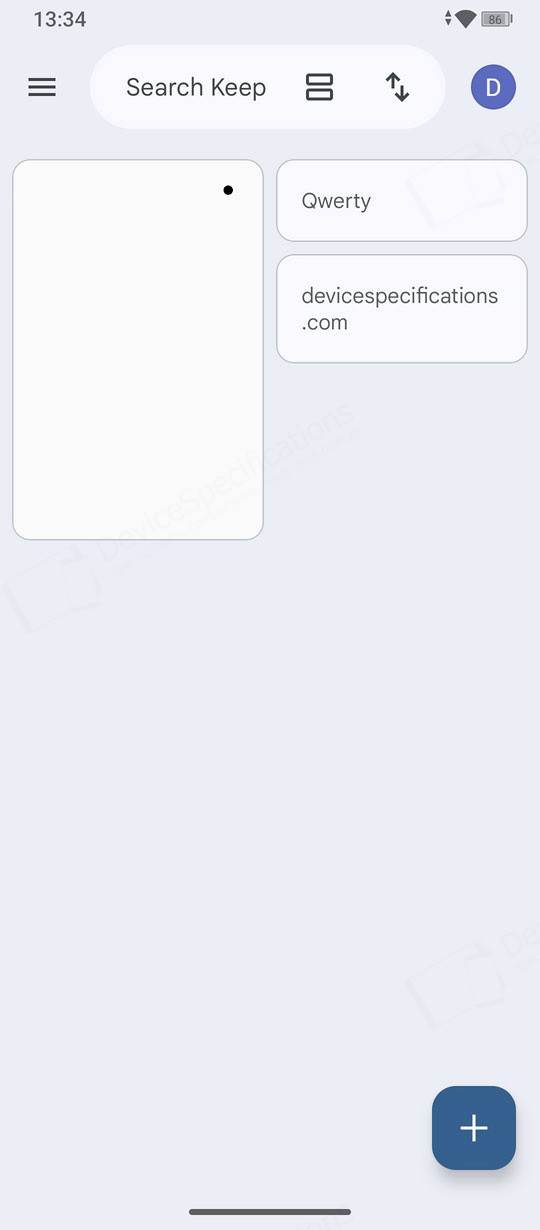
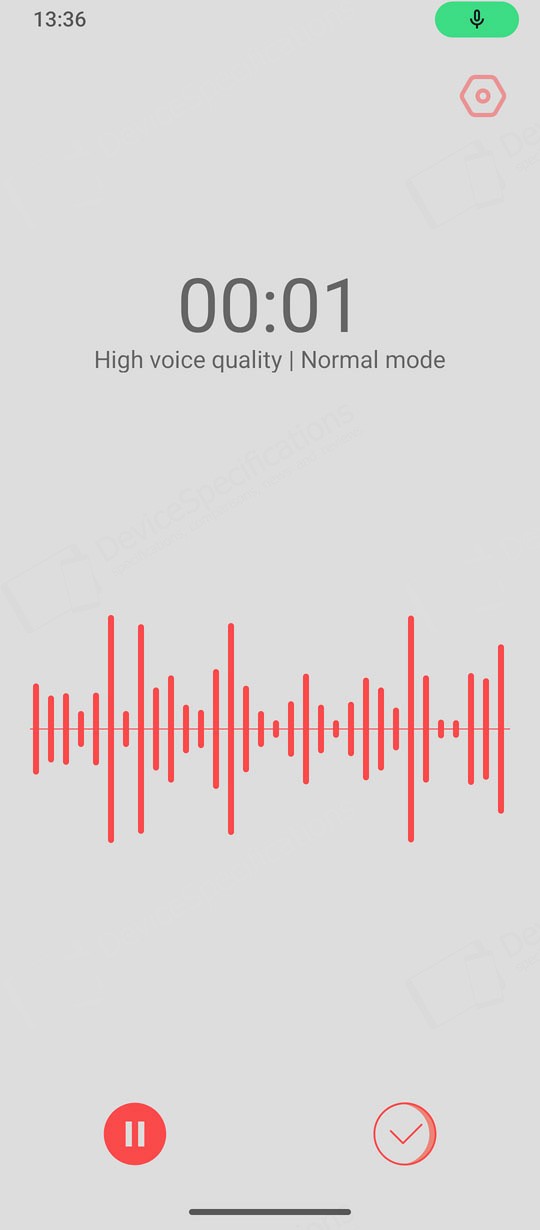
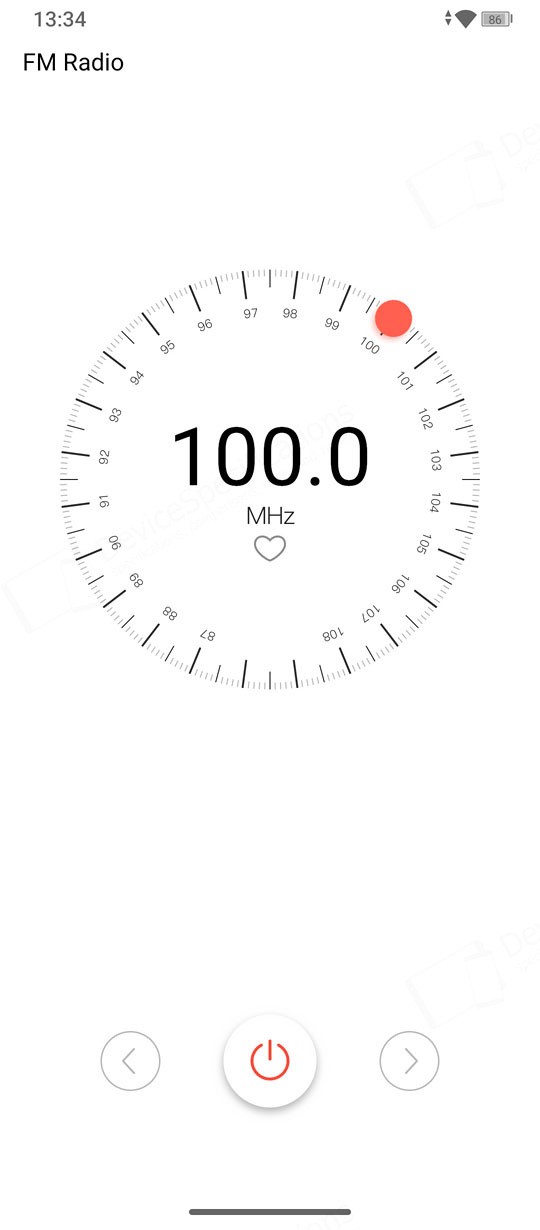


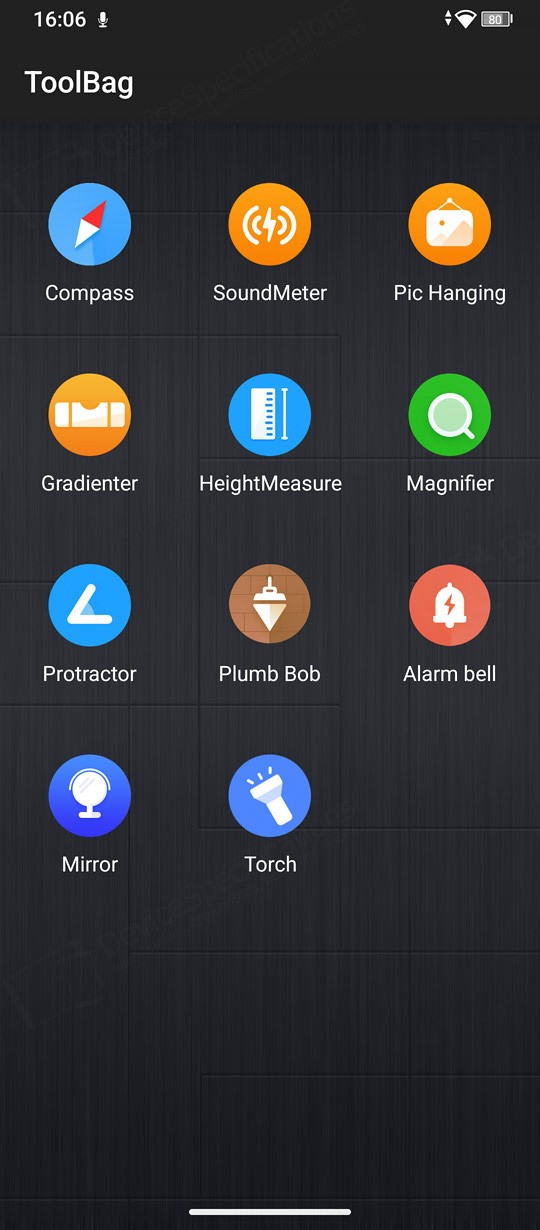
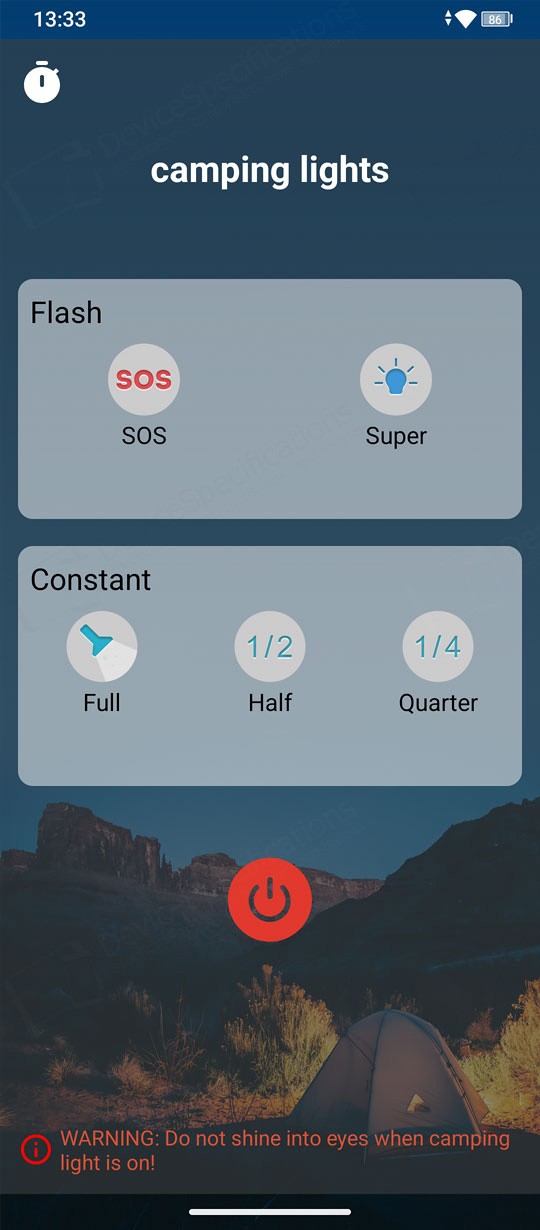
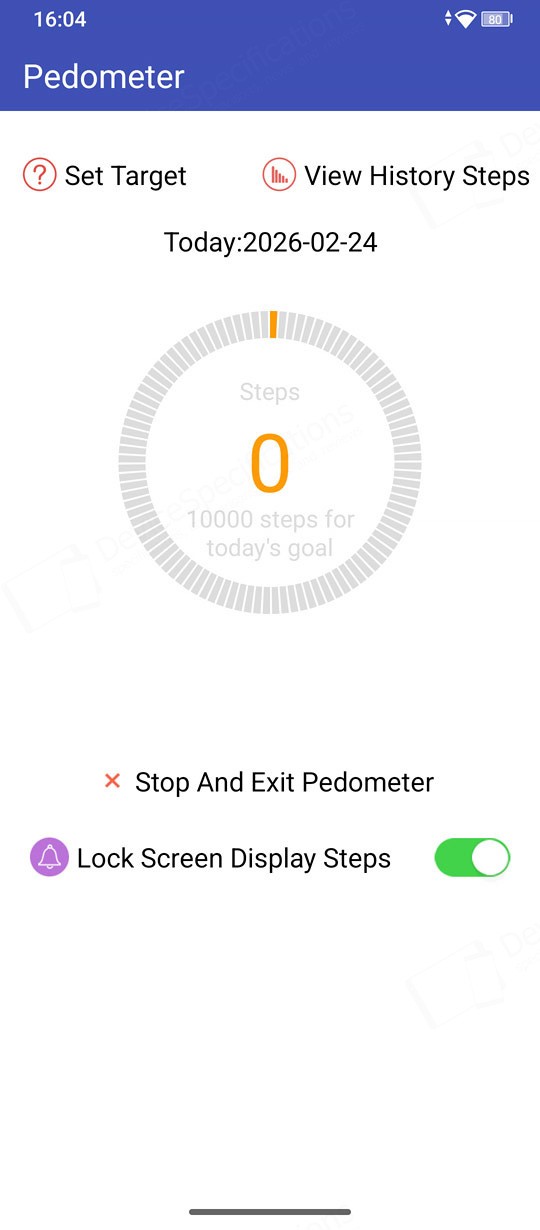
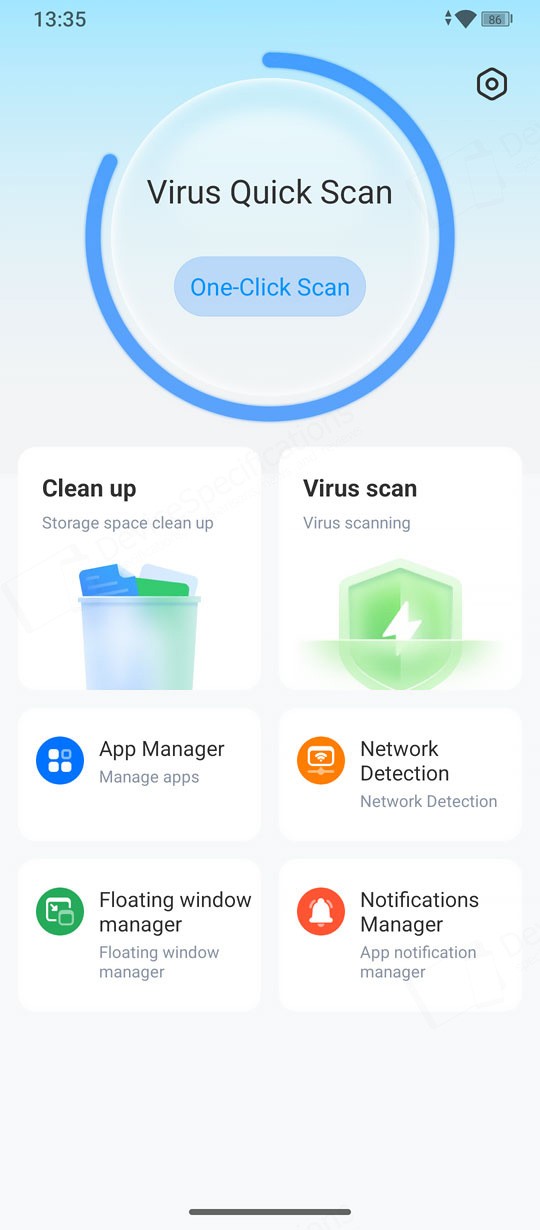

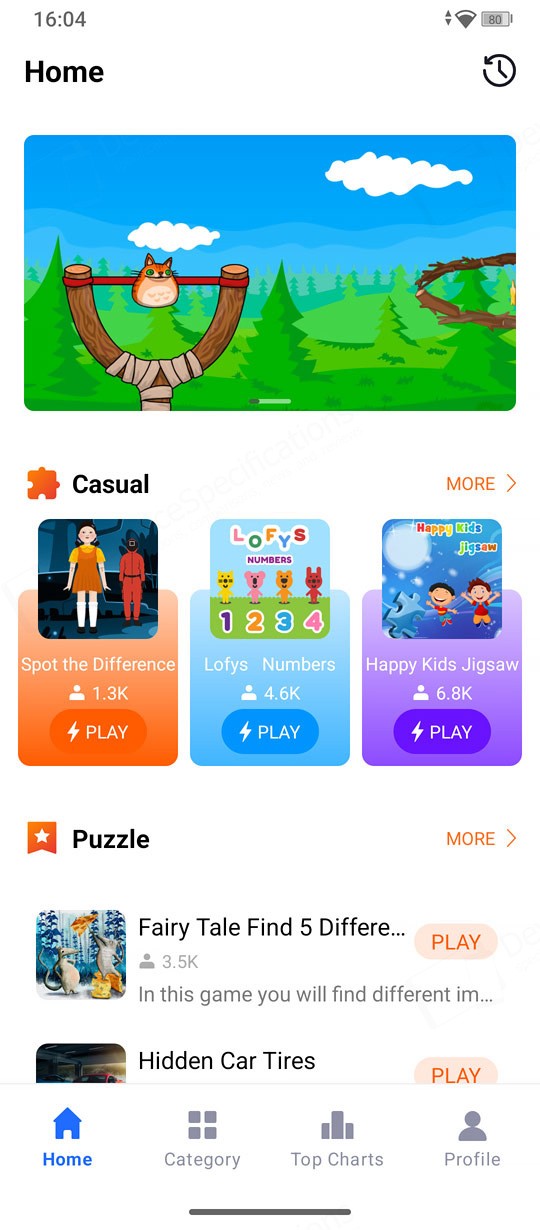
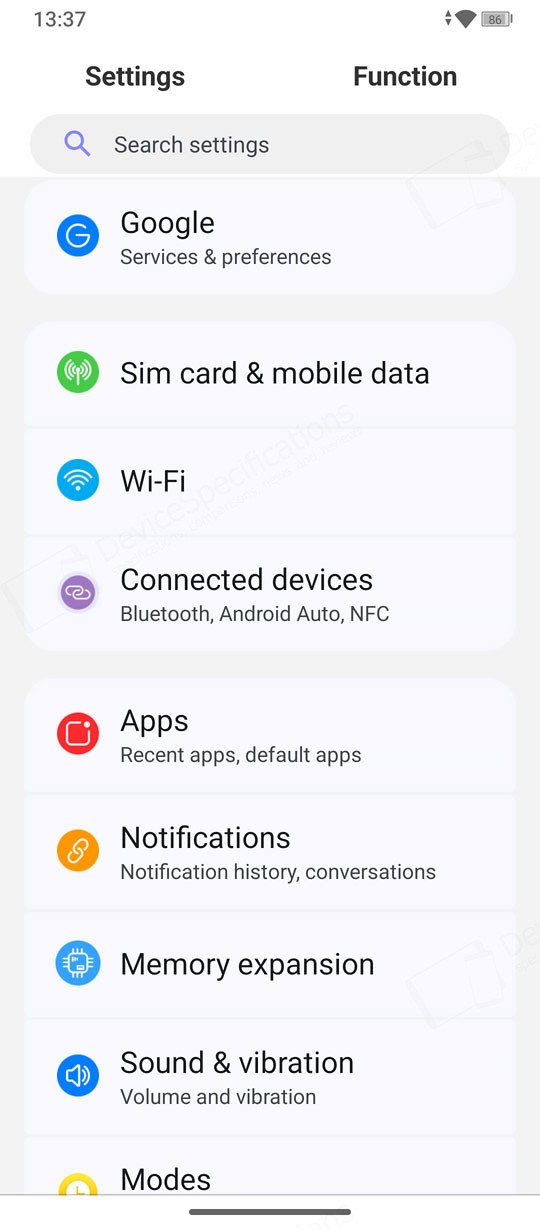
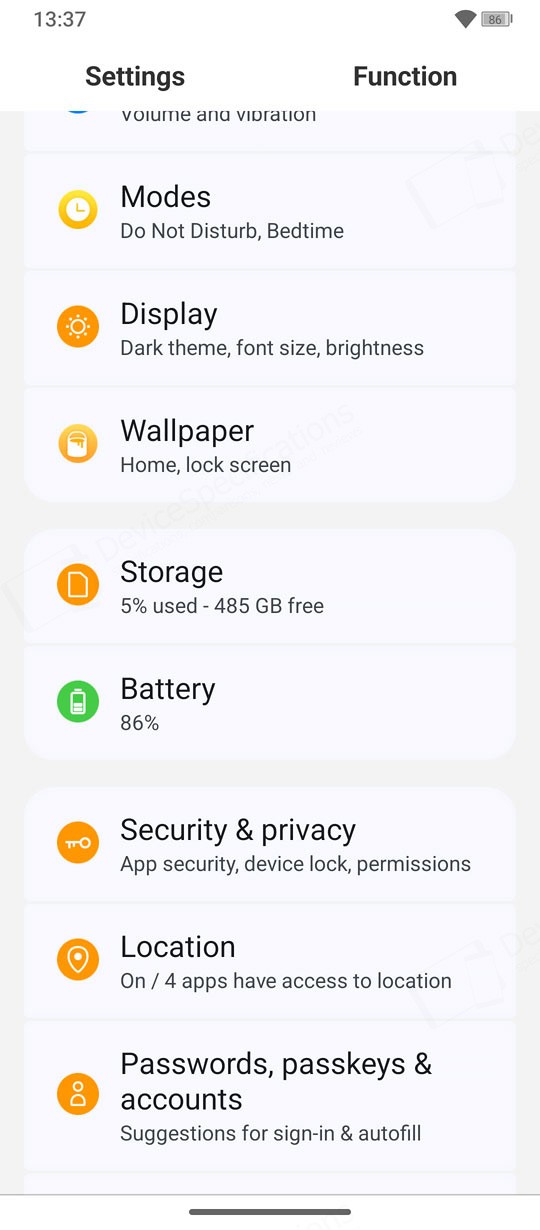
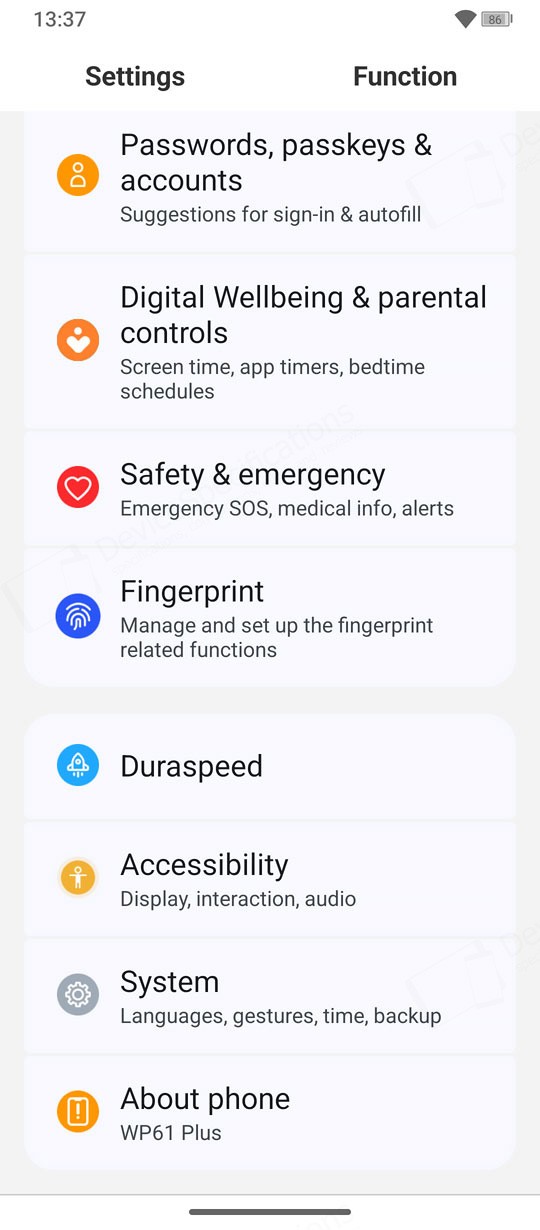
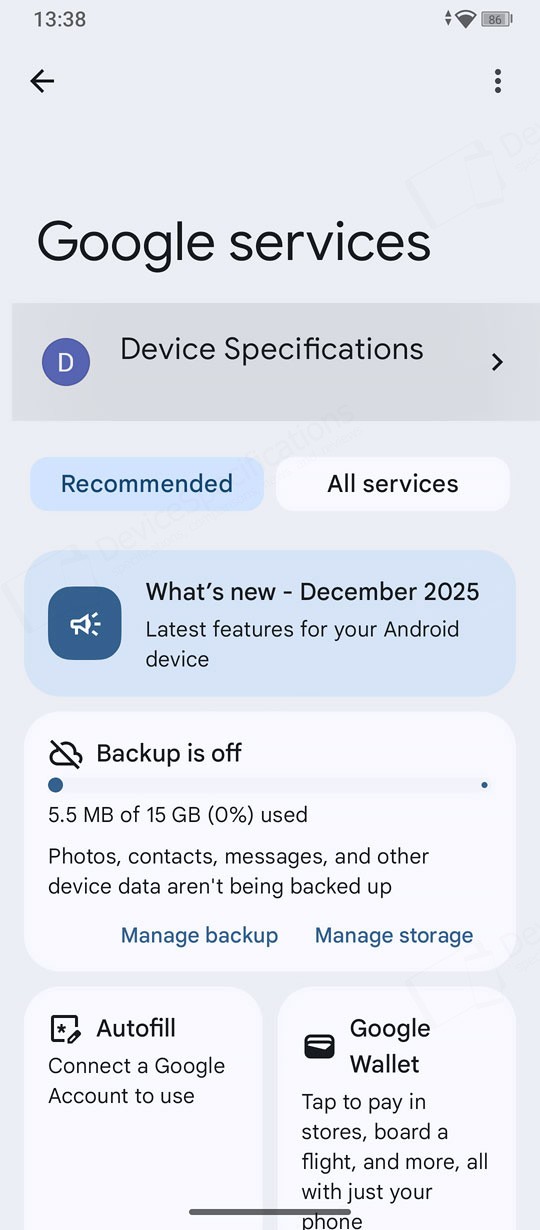
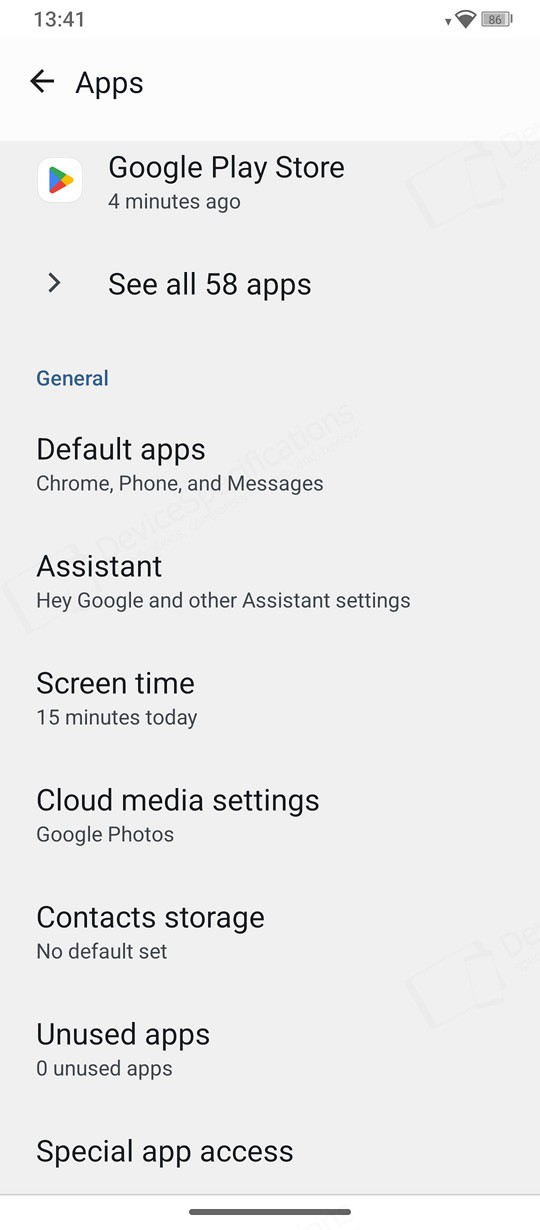
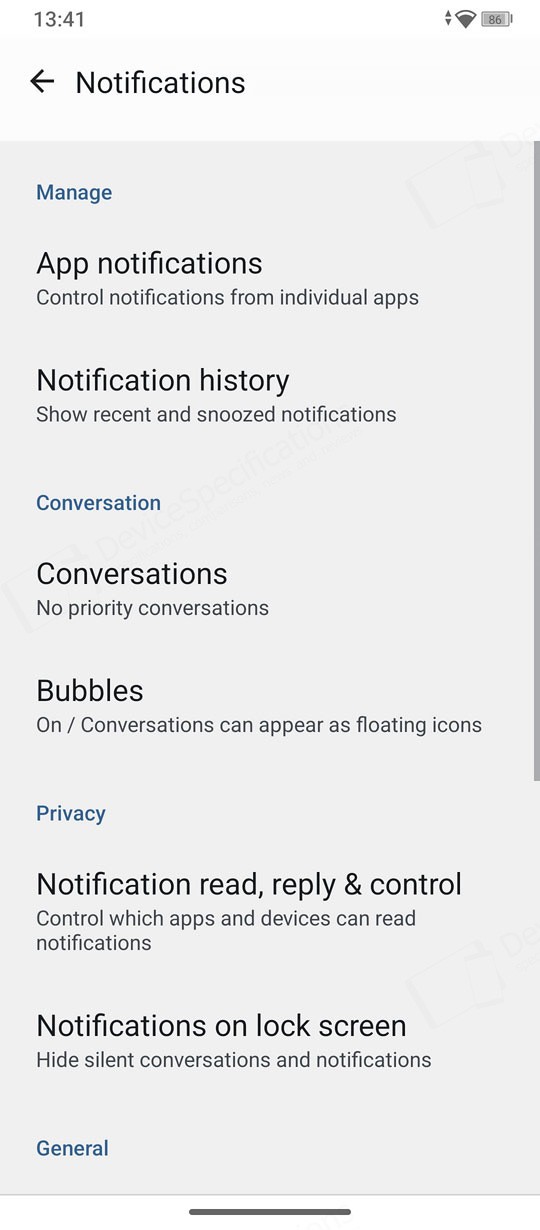
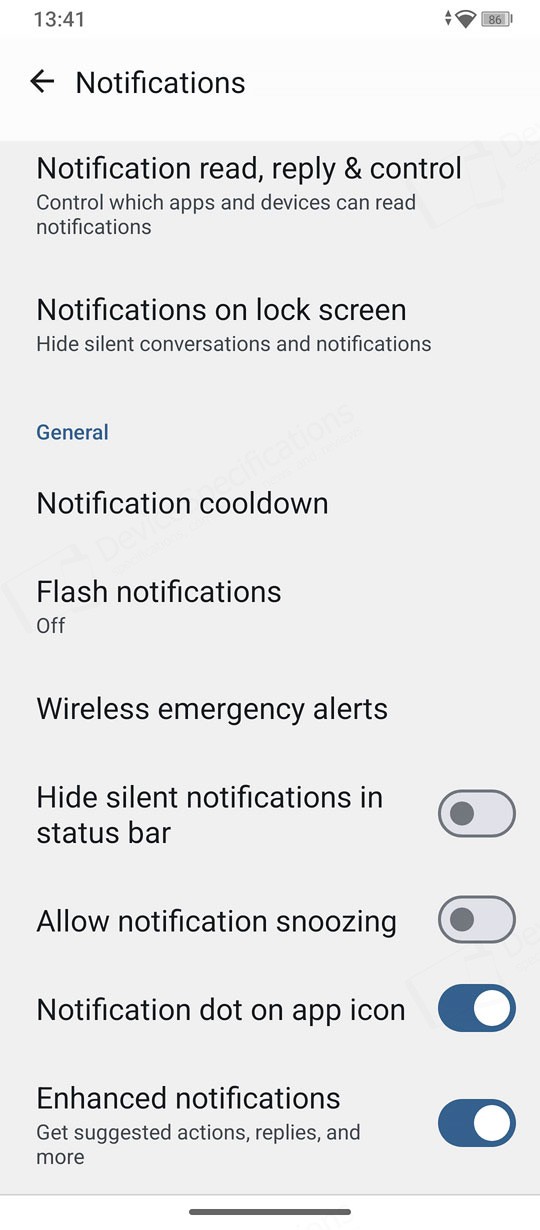
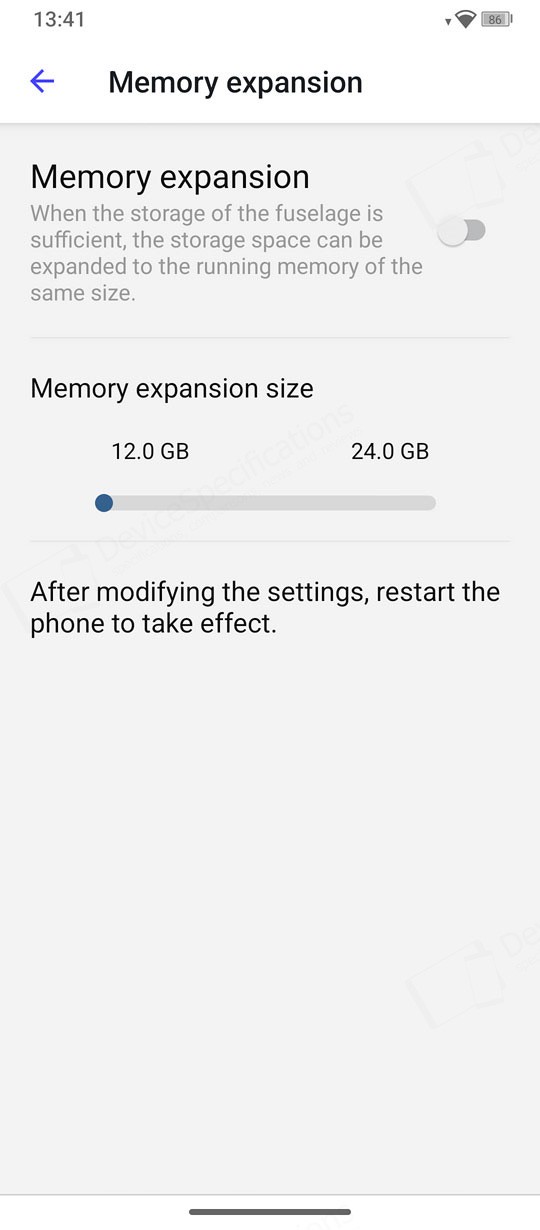
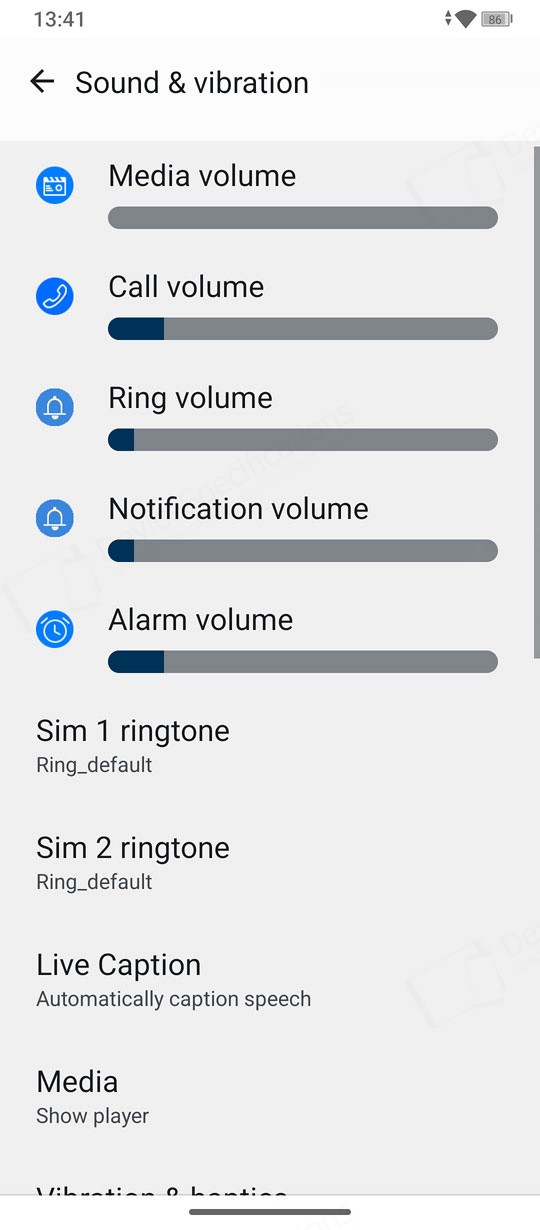
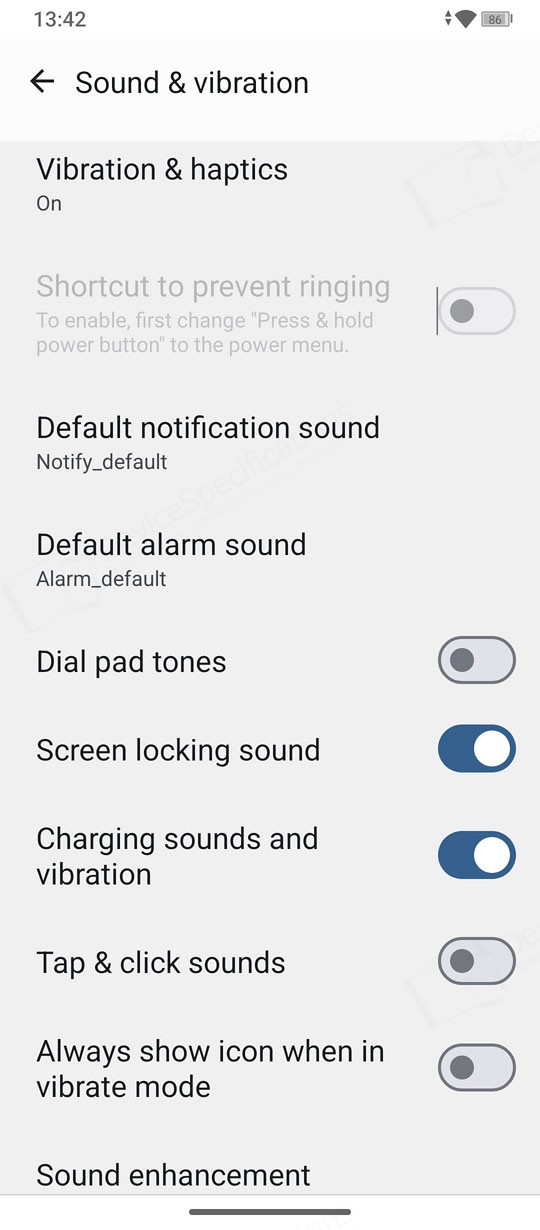
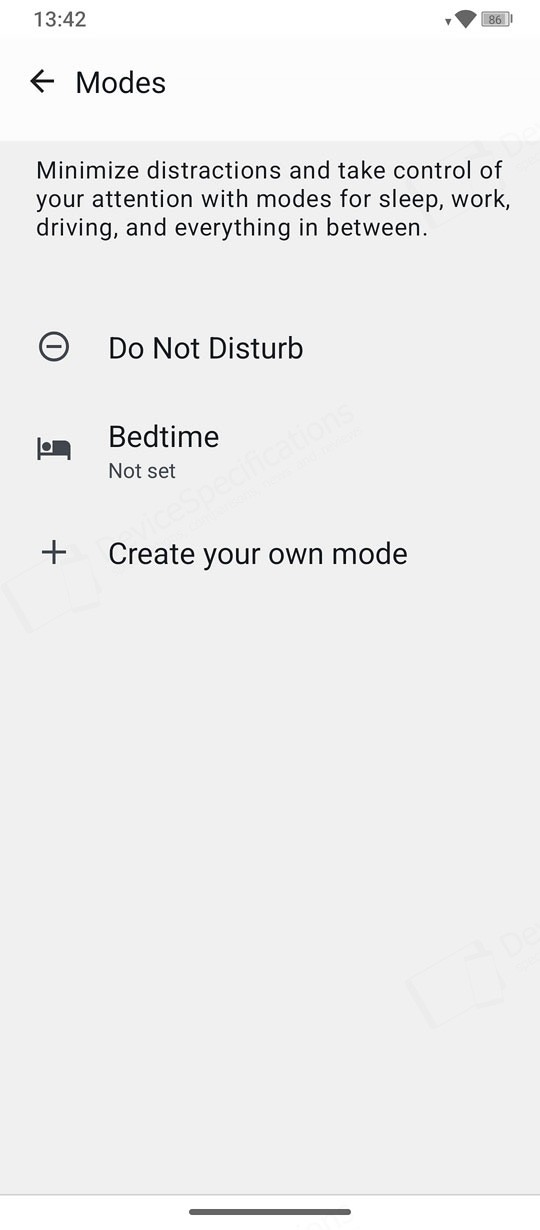
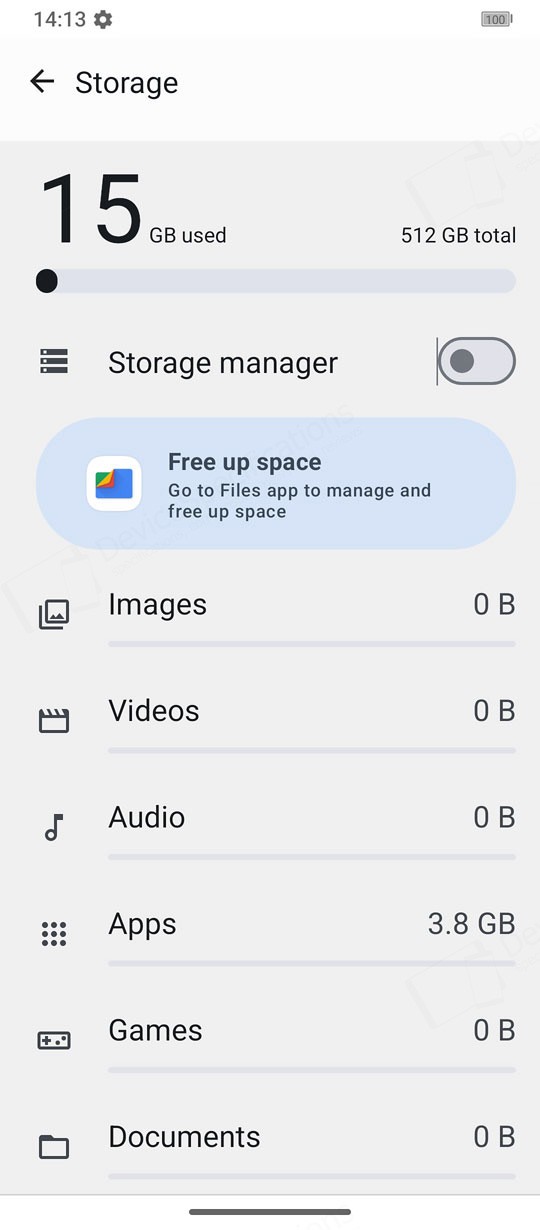
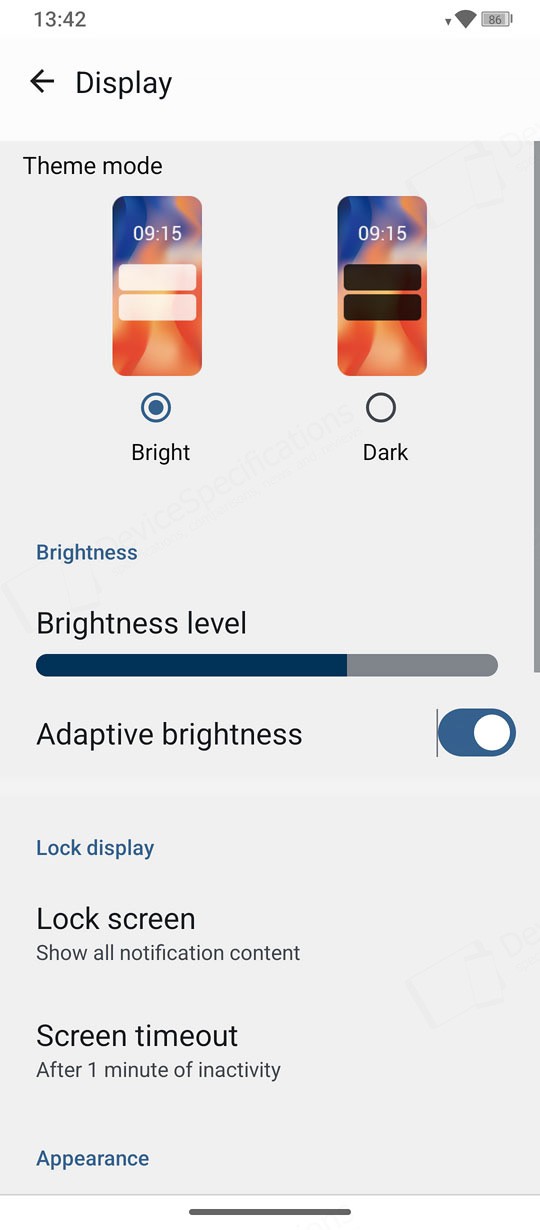
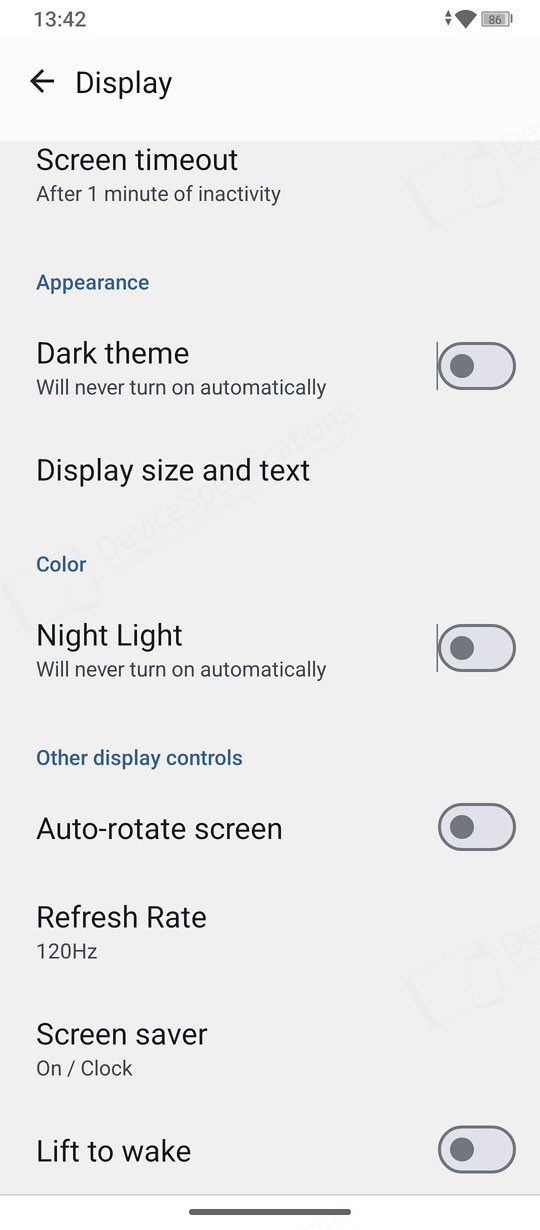
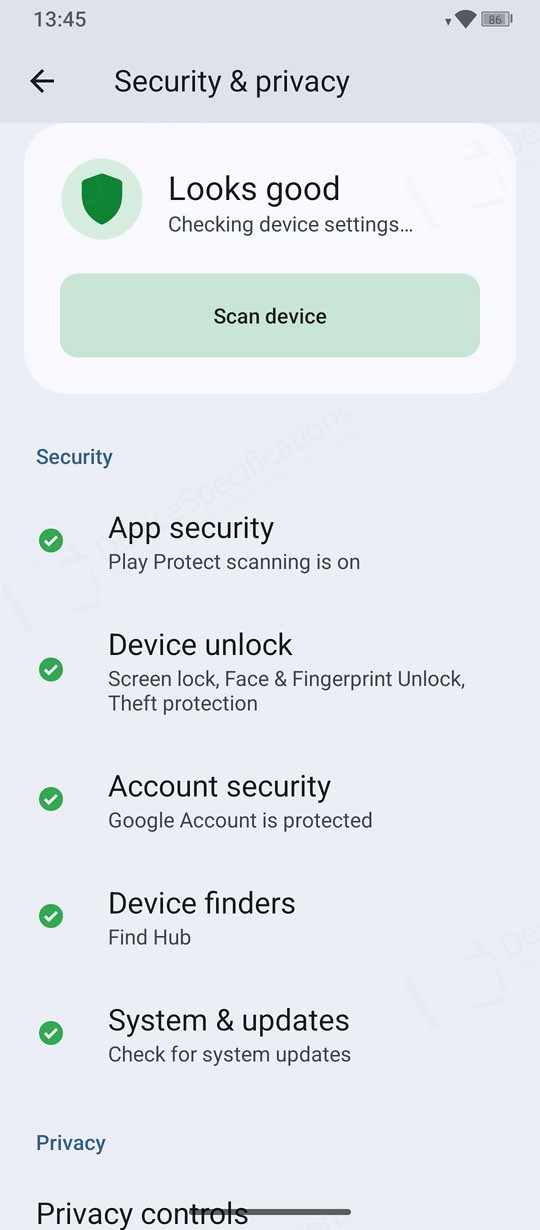
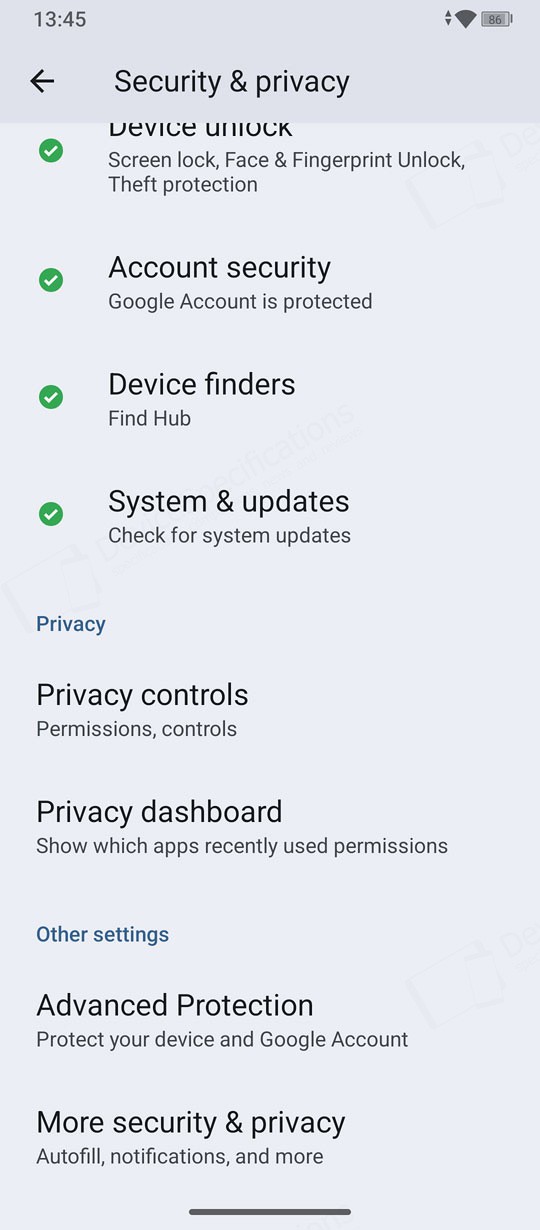
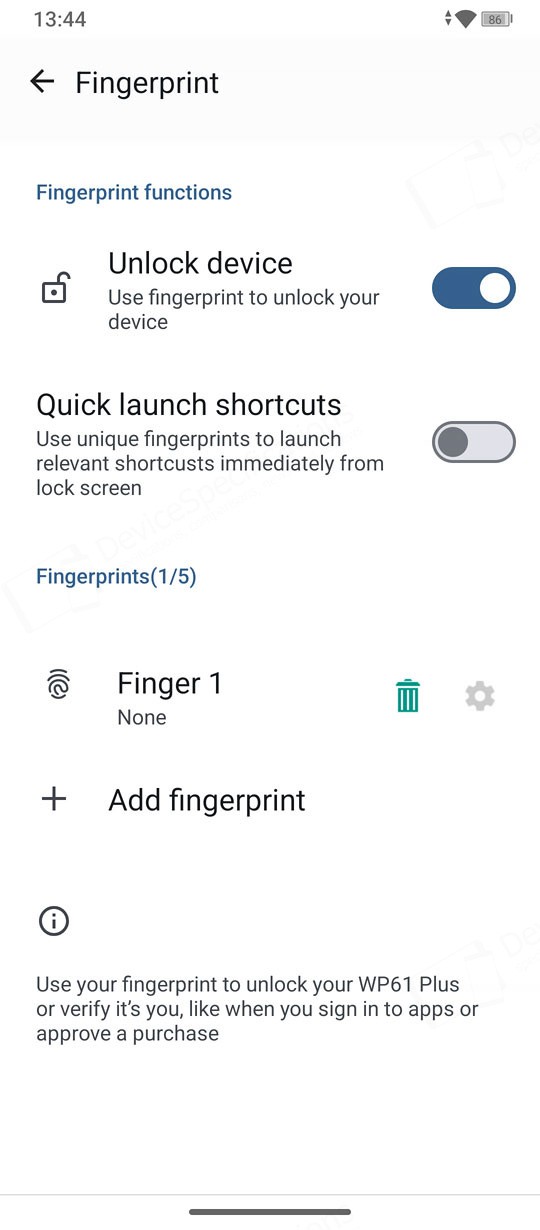
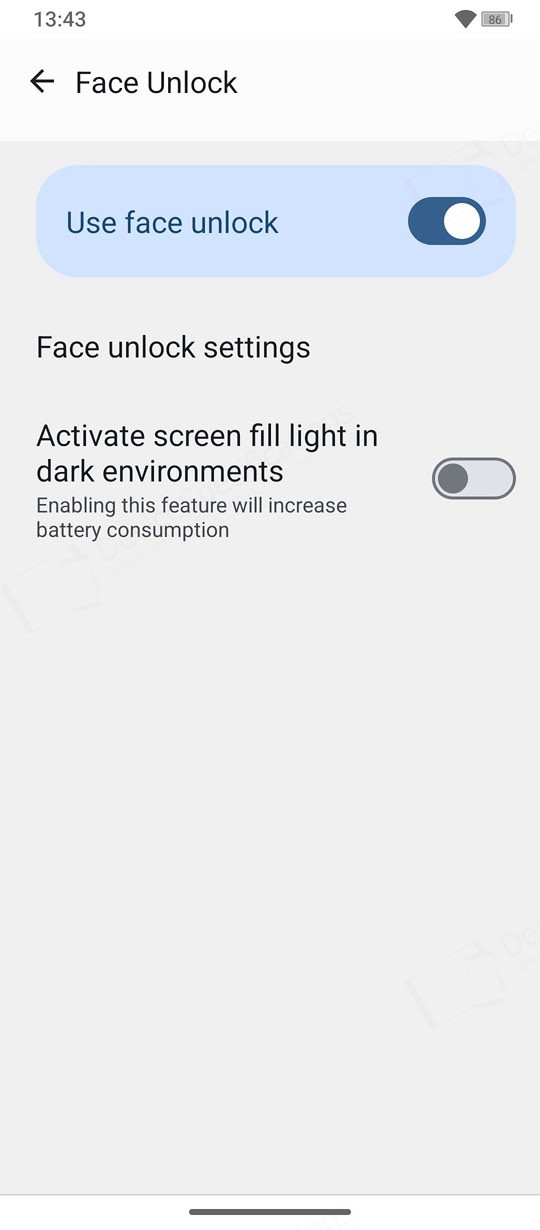
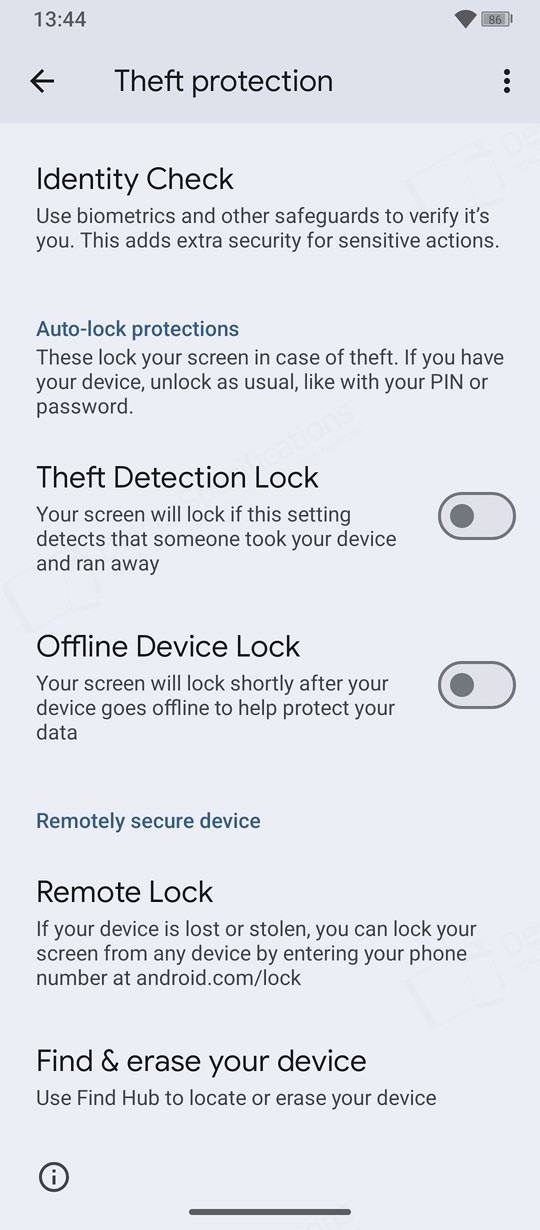
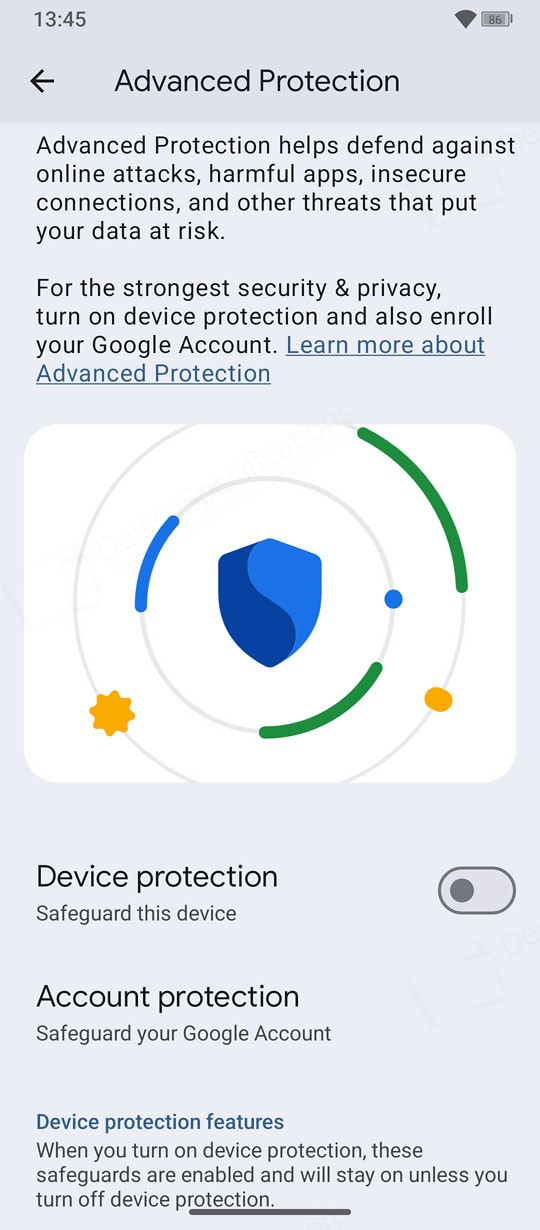
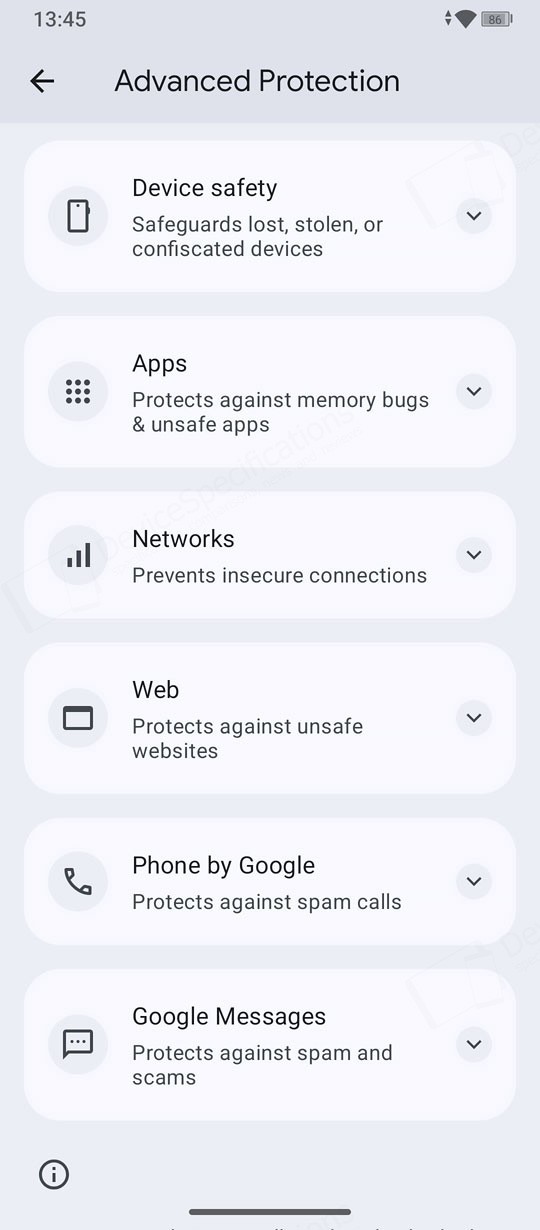
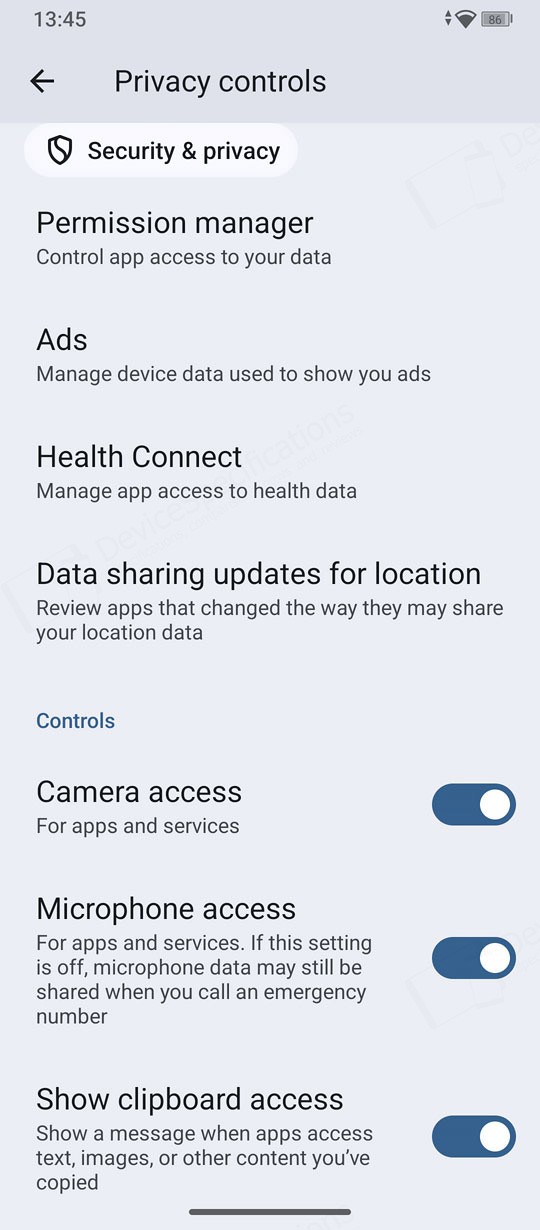
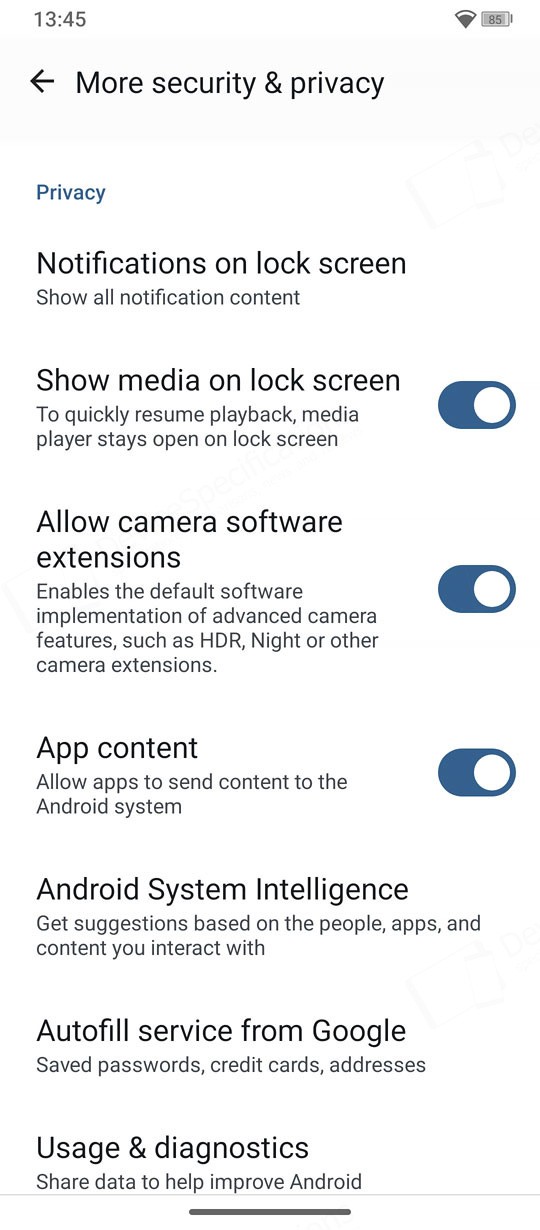
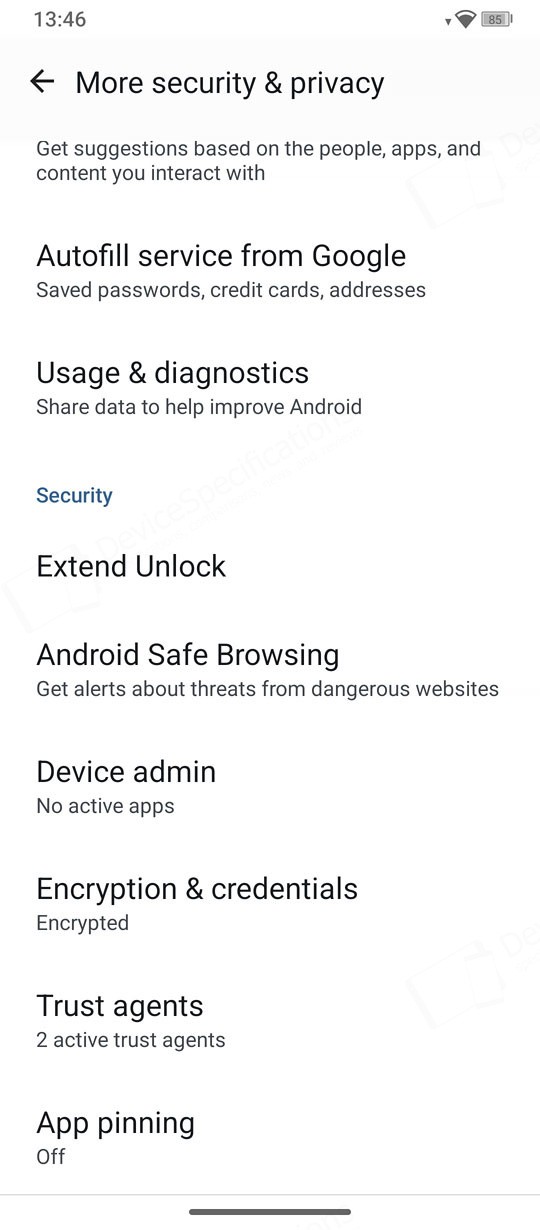
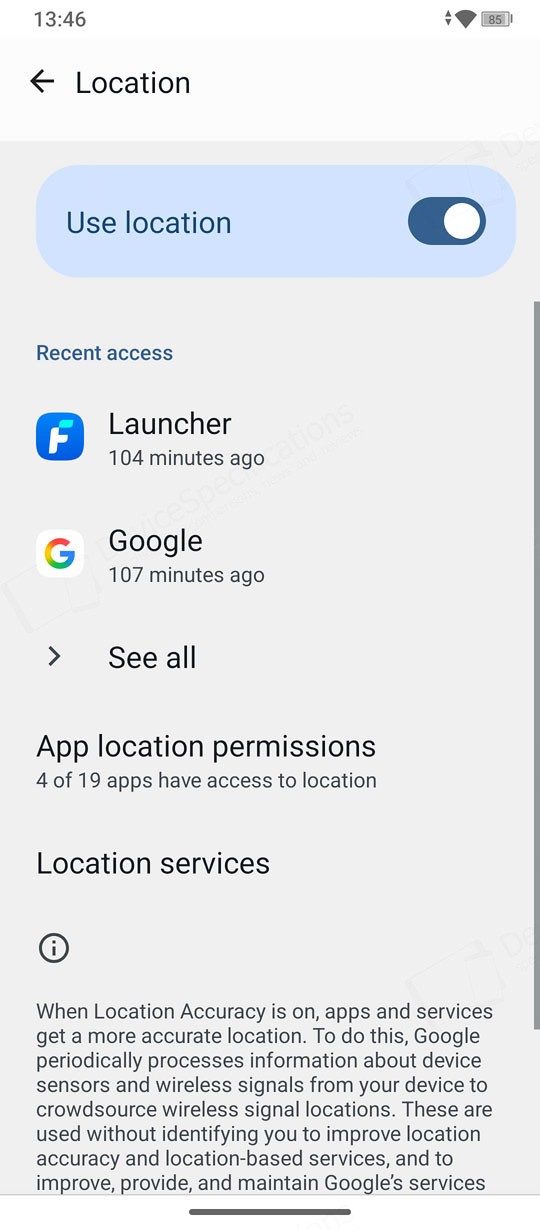
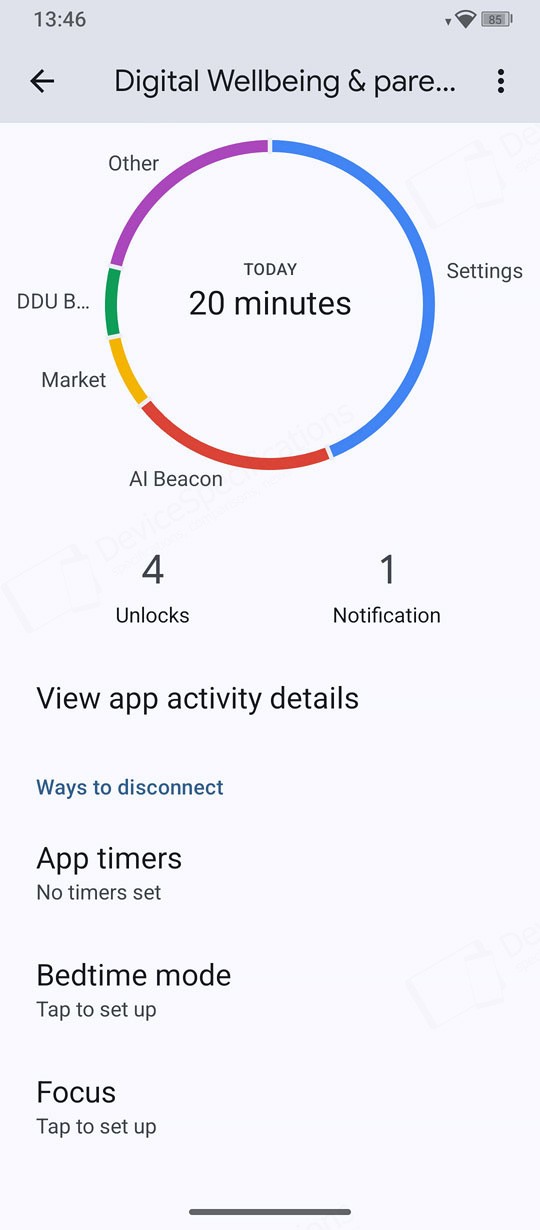
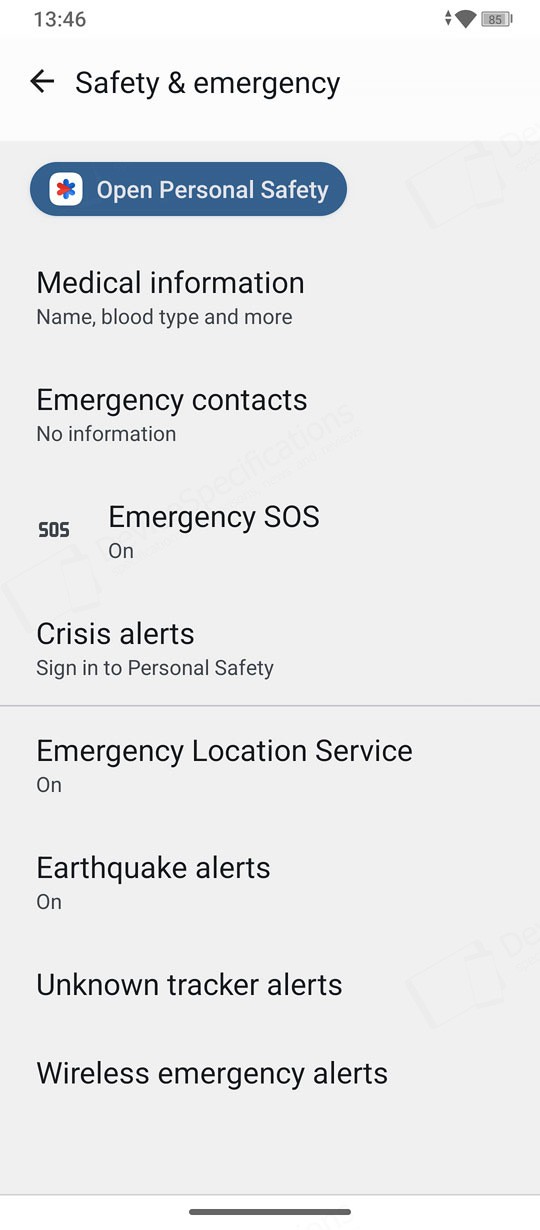
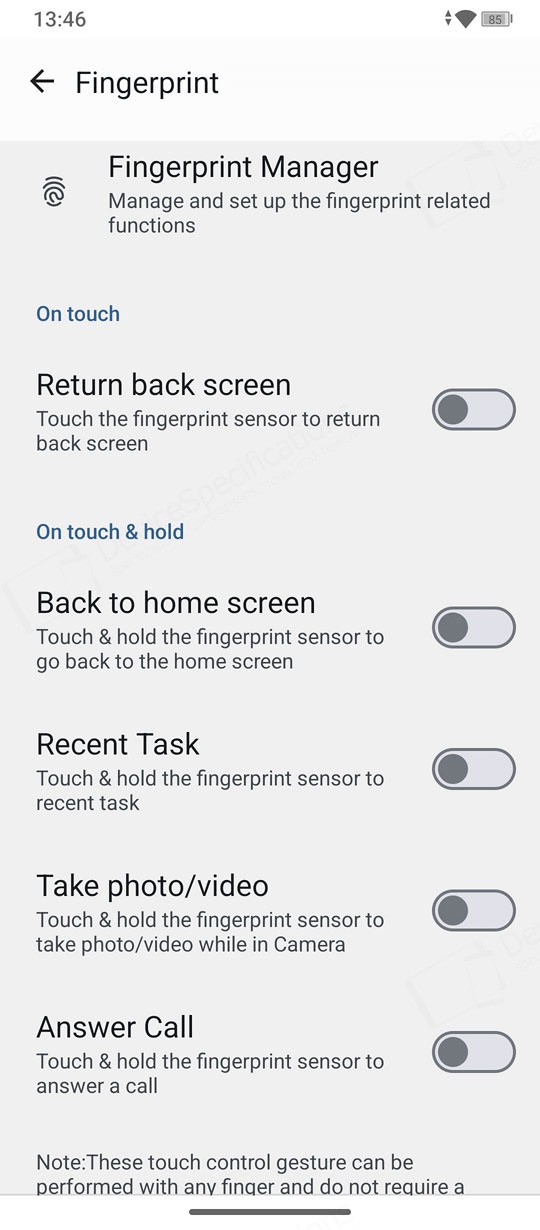
The group continues with standard Android settings for "Location", "Passwords, passkeys & accounts", "Digital Wellbeing & parental controls", and "Safety & emergency". The last menu in the group is "Fingerprint," and it allows you to assign additional functions to the fingerprint IDs you've registered on the device. For example, you can touch and hold the fingerprint sensor to open the Task Manager, snap a photo, or answer a call.
Последние обзоры
Список последних обзоров мобильных устройств, сделанные нами
Oukitel WP61 Plus Review
Размеры: 85 x 179.5 x 27.5 мм
Вес: 651 г
SoC: MediaTek Dimensity 7025 (MT6855V)
Процессор: 2x 2.5 GHz ARM Cortex-A78, 6x 2.0 GHz ARM Cortex-A55, Количество ядер: 8
Графический процессор: IMG BXM-8-256, 950 МГц
Оперативная память: 12 ГБ, 3200 МГц
Встроенная память: 512 ГБ
Экран: 6.78 in, IPS, 1080 x 2460 пикселей, 24 бит
Аккумулятор: 20000 мА·ч, Li-polymer (Литий-полимерный)
Oперационная система: Android 16
Камера: 12000 x 9000 пикселей, 2560 x 1440 пикселей, 25 кадров/сек
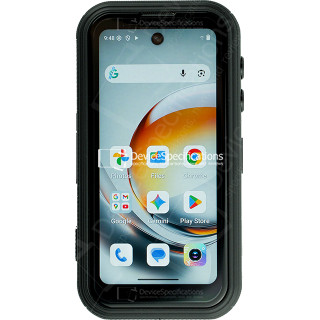
FOSSiBOT F116 Pro Review
Размеры: 59.6 x 114.5 x 23 мм
Вес: 207 г
SoC: MediaTek Dimensity 7300 (MT6878)
Процессор: 4x 2.5 GHz ARM Cortex-A78, 4x 2.0 GHz ARM Cortex-A55, Количество ядер: 8
Графический процессор: ARM Mali-G615 MC2
Оперативная память: 12 ГБ, 2133 МГц
Встроенная память: 256 ГБ
Экран: 4 in, IPS, 540 x 1168 пикселей, 24 бит
Аккумулятор: 3700 мА·ч, Li-polymer (Литий-полимерный)
Oперационная система: Android 16
Камера: 8192 x 6144 пикселей, 3840 x 2160 пикселей, 30 кадров/сек

REDMAGIC 11 Air Review
Размеры: 76.54 x 163.82 x 7.85 мм
Вес: 207 г
SoC: Qualcomm Snapdragon 8 Elite (SM8750-AB)
Процессор: 2x 4.32 GHz, 6x 3.53 GHz, Количество ядер: 8
Графический процессор: Qualcomm Adreno 830, 1100 МГц
Оперативная память: 12 ГБ, 16 ГБ, 4800 МГц
Встроенная память: 256 ГБ, 512 ГБ
Экран: 6.85 in, Q10 AMOLED, 1216 x 2688 пикселей, 30 бит
Аккумулятор: 7000 мА·ч, Li-polymer (Литий-полимерный)
Oперационная система: Red Magic OS 11.0 (Android 16)
Камера: 8182 x 6144 пикселей, 7680 x 4320 пикселей, 30 кадров/сек
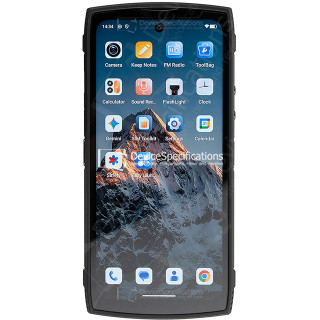
Lagenio Panther 2 Pro Review
Размеры: 82 x 175.4 x 11.3 мм
Вес: 266 г
SoC: Unisoc T7250
Процессор: 2x 1.8 GHz ARM Cortex-A75, 6x 1.6 GHz ARM Cortex-A55, Количество ядер: 8
Графический процессор: ARM Mali-G57 MP1, 850 МГц
Оперативная память: 8 ГБ, 1866 МГц
Встроенная память: 256 ГБ
Экран: 6.7 in, IPS, 720 x 1600 пикселей, 24 бит
Аккумулятор: 5150 мА·ч, Li-polymer (Литий-полимерный)
Oперационная система: Android 15
Камера: 8160 x 6128 пикселей, 1920 x 1080 пикселей, 30 кадров/сек

Oukitel WP55 Pro Review
Размеры: 81 x 172.2 x 15.3 мм
Вес: 360 г
SoC: MediaTek Dimensity 7025 (MT6855V)
Процессор: 2x 2.5 GHz ARM Cortex-A78, 6x 2.0 GHz ARM Cortex-A55, Количество ядер: 8
Графический процессор: IMG BXM-8-256, 950 МГц
Оперативная память: 16 ГБ, 3200 МГц
Встроенная память: 512 ГБ
Экран: 6.6 in, IPS, 1080 x 2408 пикселей, 24 бит
Аккумулятор: 11000 мА·ч, Li-polymer (Литий-полимерный)
Oперационная система: Android 15
Камера: 12000 x 9000 пикселей, 2560 x 1440 пикселей, 30 кадров/сек

FOSSiBOT F107 Pro Review
Размеры: 90.6 x 190.1 x 39.95 мм
Вес: 910 г
SoC: MediaTek Dimensity 7300 (MT6878)
Процессор: 4x 2.5 GHz ARM Cortex-A78, 4x 2.0 GHz ARM Cortex-A55, Количество ядер: 8
Графический процессор: ARM Mali-G615 MC2
Оперативная память: 12 ГБ, 2133 МГц
Встроенная память: 512 ГБ
Экран: 6.95 in, IPS, 1080 x 2460 пикселей, 24 бит
Аккумулятор: 28000 мА·ч, Li-polymer (Литий-полимерный)
Oперационная система: Android 15
Камера: 16320 x 12288 пикселей, 3840 x 2160 пикселей, 30 кадров/сек

REDMAGIC 11 Pro Global Review
Размеры: 76.54 x 163.82 x 8.9 мм
Вес: 230 г
SoC: Qualcomm Snapdragon 8 Elite Gen 5 (SM8850-AC)
Процессор: 2x 4.61 GHz Oryon, 6x 3.63 GHz Oryon, Количество ядер: 8
Графический процессор: Qualcomm Adreno 840 (829), 768 МГц
Оперативная память: 12 ГБ, 16 ГБ, 24 ГБ, 5333 МГц
Встроенная память: 256 ГБ, 512 ГБ, 1024 ГБ
Экран: 6.85 in, AMOLED, 1216 x 2688 пикселей, 30 бит
Аккумулятор: 7500 мА·ч, Li-polymer (Литий-полимерный)
Oперационная система: Red Magic OS 11 (Android 16)
Камера: 8182 x 6144 пикселей, 7680 x 4320 пикселей, 30 кадров/сек

Ulefone Armor Pad 5 Ultra Review
Размеры: 269.7 x 179.5 x 27.8 мм
Вес: 1600 г
SoC: MediaTek Dimensity 7400X (MT6878V/TFZA)
Процессор: 4x 2.6 GHz ARM Cortex-A78, 4x ARM Cortex-A55, Количество ядер: 8
Графический процессор: ARM Mali-G615 MC2
Оперативная память: 12 ГБ, 2133 МГц
Встроенная память: 512 ГБ
Экран: 10.95 in, IPS, 1920 x 1200 пикселей, 24 бит
Аккумулятор: 24200 мА·ч, Li-polymer (Литий-полимерный)
Oперационная система: Android 15
Камера: 9280 x 6920 пикселей, 3840 x 2160 пикселей, 30 кадров/сек
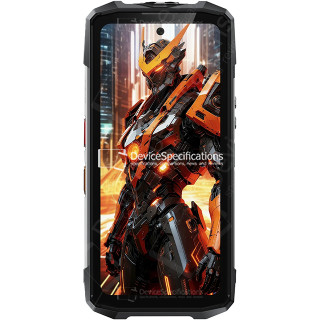
FOSSiBOT F113 Review
Размеры: 89.2 x 186.2 x 31.6 мм
Вес: 699 г
SoC: MediaTek Dimensity 7050 (MT6877V)
Процессор: 2x 2.6 GHz ARM Cortex-A78, 6x 2.0 GHz ARM Cortex-A55, Количество ядер: 8
Графический процессор: ARM Mali-G68 MC4, 950 МГц
Оперативная память: 12 ГБ, 2133 МГц
Встроенная память: 256 ГБ
Экран: 6.78 in, IPS, 1080 x 2460 пикселей, 24 бит
Аккумулятор: 20000 мА·ч, Li-polymer (Литий-полимерный)
Oперационная система: Android 15
Камера: 8120 x 6180 пикселей, 3840 x 2160 пикселей, 30 кадров/сек